Guide70-Mii limit, roster planning, and import boundaries
How Many Characters Can You Have in Tomodachi Life: Living the Dream?
Nintendo's official FAQ says you can create up to 70 Mii characters in Tomodachi Life: Living the Dream. This guide explains what that limit means in practice, how to plan a balanced island roster, which Mii data can be brought in, and which older 3DS or download claims should not be treated as current Switch rules.
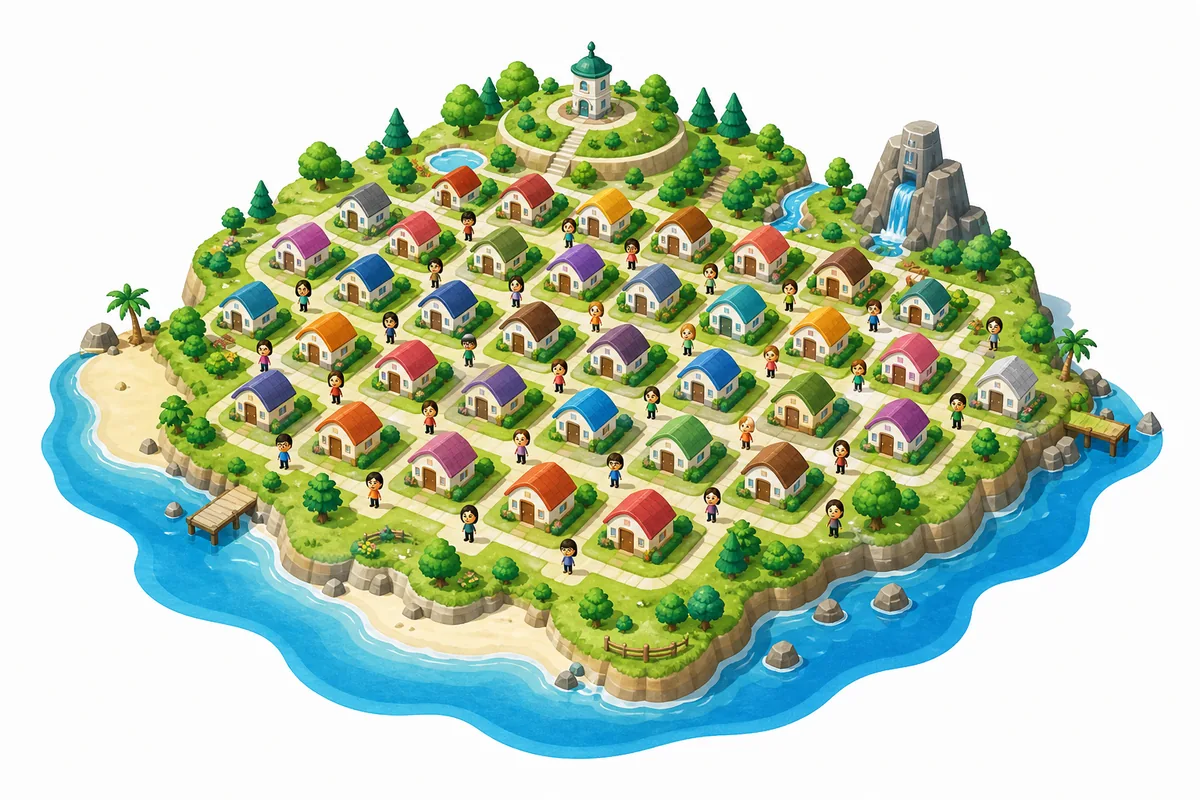
Editorial illustration of a full island roster; not a real gameplay screenshot.
Official limit
The current Nintendo FAQ lists a maximum of 70 Mii characters for Living the Dream.
Best planning rule
Do not fill every slot at once. Save room for family ideas, new friends, favorite characters, and later story needs.
Import boundary
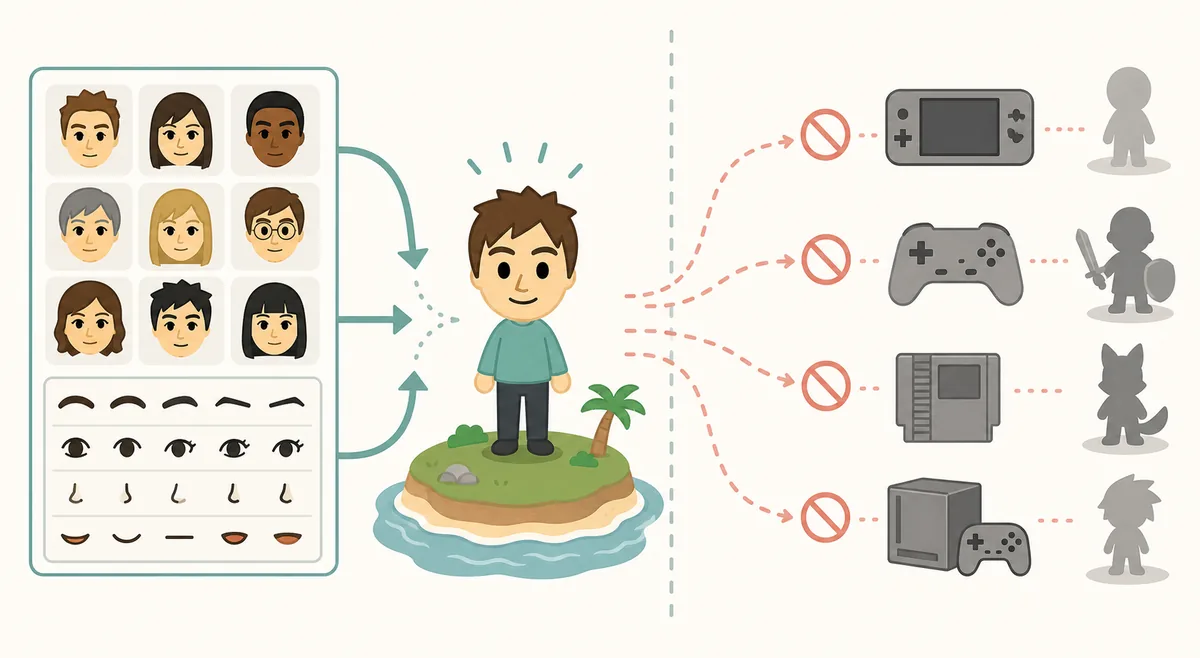
You can use Mii characters from your system or Miitopia, but you cannot transfer Living the Dream Mii characters out to other games.
Quick Answer: Living the Dream Supports Up to 70 Miis
If you are asking how many characters you can have in Tomodachi Life: Living the Dream, use 70 as the current official planning number. Nintendo's FAQ says the game lets you create up to 70 Mii characters. That is enough for a large cast, but it is still a real limit, so a good island should be planned instead of filled with every idea on day one.
The practical meaning is simple: treat your island like a cast list. Keep a mix of yourself, close friends, family, original characters, fictional favorites, and a few empty slots for later. Empty slots matter because new relationship ideas, children, seasonal jokes, or a friend you meet after launch may become more interesting than a duplicate resident you made early.
Question
Current answer
Best action
How many characters can you have?
Up to 70 Mii characters.
Plan a roster instead of filling every slot immediately.
Can you make a huge friend cast?
Yes, within the 70-Mii cap.
Group residents by friends, family, originals, and fictional characters.
Should I copy old 3DS limits?
Use Switch-era official info first.
Verify old advice before treating it as Living the Dream guidance.
Does this page provide downloads?
No.
Use official play and manual character notes only.
How to Plan a 70-Character Island Roster
A 70-Mii limit sounds huge until you start adding every friend group, every family member, and every fictional cast you like. The best approach is to decide what each group does for the island. Real friends make jokes feel personal, family members create funny daily scenes, fictional characters give you dramatic pairings, and original characters fill gaps when the island needs a chaotic neighbor, calm mediator, or rival.
Start with 20 to 30 residents, then expand after you understand the rhythm of your island. A smaller first wave makes it easier to learn personalities, voice settings, favorite foods, rooms, and relationship patterns. Once the game starts surfacing repeated scenes, add new Miis to refresh the social network instead of deleting characters too quickly.
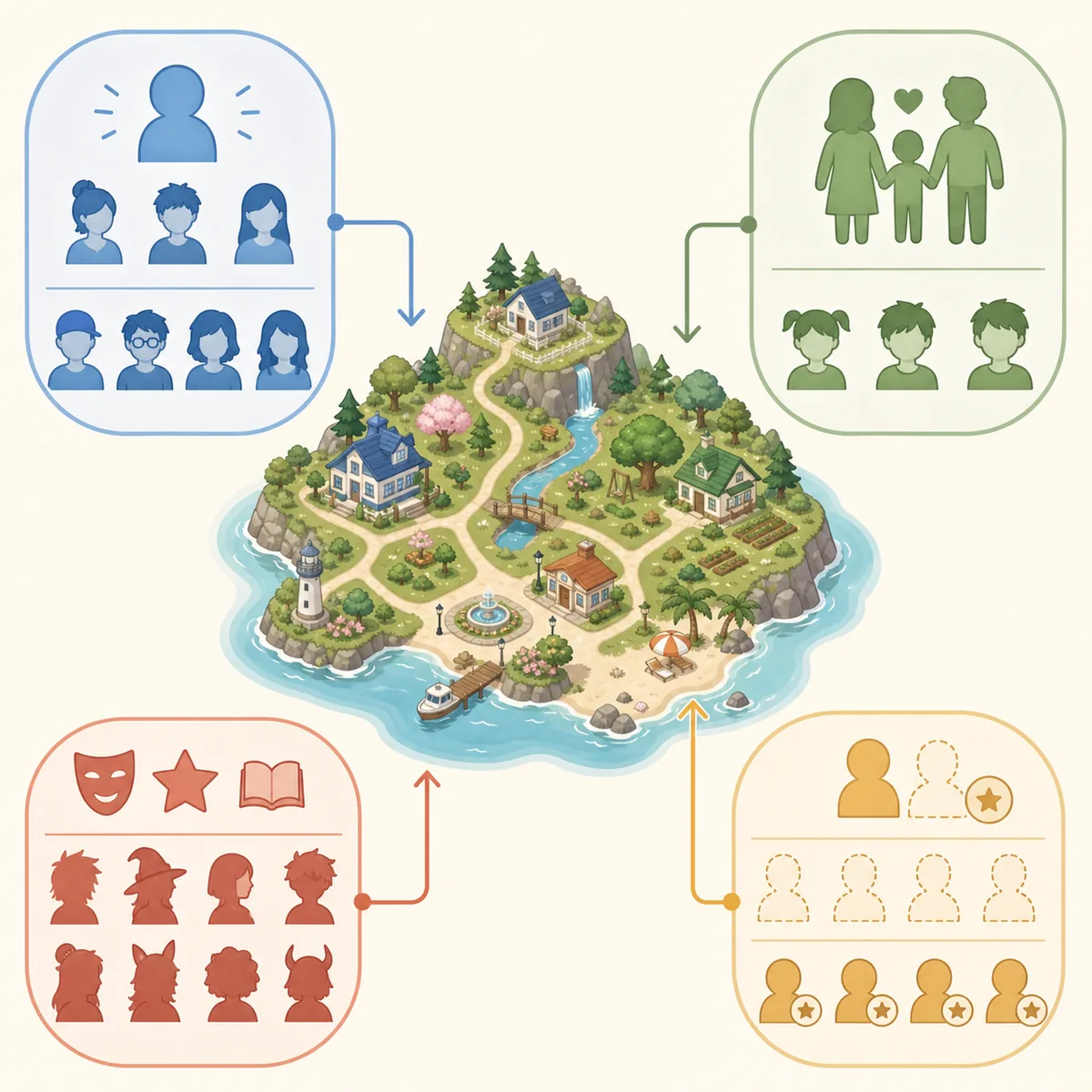
Use the 70 slots as a casting budget: anchors first, then contrast, then reserve space.
1
Reserve anchor residents
Create yourself, a few close friends, and a handful of Miis you will recognize instantly.
2
Add contrast
Mix shy, outgoing, serious, playful, neat, messy, romantic, and chaotic personalities so scenes do not feel flat.
3
Leave open slots
Hold back 10 to 15 slots for children, new friend ideas, community jokes, or characters you discover later.
4
Review before deleting
If a resident feels unused, first change their room, outfit, voice, or personality before removing them.
Mii Import Rules: What Can and Cannot Move
The official FAQ separates creation from transfer. It says you can use Mii characters from the Mii character on your system or from Miitopia when creating residents in Living the Dream. That is useful if you already have a good face library and do not want to rebuild every character by hand.
The boundary goes the other way: Mii characters created in Living the Dream cannot be transferred to another game. That matters for players searching for Mii share, QR codes, and character websites. Use official in-game and system-level options first. If a page asks for a save file, ROM, emulator folder, account login, or executable importer, it is outside this site's safe editorial boundary.
This is an explanatory import-boundary diagram, not a real menu or product screenshot.
Action
Safe interpretation
Where to send the reader
Use existing system Miis
Official FAQ supports using system Mii characters.
Character planning and Mii sharing guides.
Use Miitopia Miis
Official FAQ mentions Miitopia as an input source.
This page and manual template notes.
Export Living the Dream Miis to other games
Official FAQ says no.
Explain the limit; do not promise workarounds.
Download character packs
Unsafe unless clearly official.
Avoid and rebuild manually.
Do Children, Couples, and Relationships Count Toward Your Roster?
Relationship and child questions belong near the character-limit conversation because they affect how much room you should save. If you want a family-focused island, do not spend all 70 slots on launch-day ideas. Leave space for relationship outcomes, children, and new residents that make existing couples or friend groups more interesting.
This page should not replace the full relationship guide. The boundary is roster planning: how many names you can reasonably manage, when to save slots, and how to avoid overcrowding the island before relationships have time to develop. For dating, marriage, same-sex relationship questions, and player influence, use the dedicated relationships guide.
Island goal
Slot advice
Related guide
Family stories
Reserve more open slots before pushing every pairing.
Relationships Guide
Fictional cast island
Group characters by story and keep room for rivals or surprise additions.
Mii Sharing Guide
Friend group comedy
Start with the people you know best, then add extras when jokes need them.
Personality Chart Guide
Completion-style roster
Track names, voices, personalities, and roles so duplicates do not waste slots.
This guide
Why Old 3DS Character Advice Can Mislead Switch Players
Older Tomodachi Life guides are still useful for understanding the series, but they can mix platform limits, QR expectations, relationship rules, and menu names from the 3DS era. Living the Dream is a Switch release with its own official FAQ, update history, and feature boundaries. Use old advice as background, not as proof that every import, relationship, or roster detail works the same way.
This is especially important for searches around QR codes, celebrity Miis, public libraries, and save downloads. A visual recipe or manual rebuild sheet can be helpful; an old import method or save tool should not be treated as a current official feature unless the game or Nintendo support says so.
Version Freshness and Safe Play Notes
This site is a fan wiki, not a download site. Because the topic touches game availability and official features, the latest-version check still matters. For this update, Nintendo Support was checked on July 25, 2026, and the site continues to treat Ver. 1.0.4, released July 23, 2026, as the latest verified software update. The new page did not require changing download buttons, file sizes, or direct download links because the site does not host game downloads.
If a future update changes Mii limits, import rules, local play, or relationship behavior, this page should be refreshed before adding more long-tail content. Do not claim a new limit from social posts, emulator menus, or screenshots alone. Use Nintendo Support, the official store page, or in-game patch notes first.
Characters and Mii Limit FAQ
How many characters can you have in Tomodachi Life: Living the Dream?
Nintendo's current FAQ says you can create up to 70 Mii characters. Use that as the official planning limit unless Nintendo updates the FAQ.
Can I import Miis from my system?
Yes. Nintendo's FAQ says you can use Mii characters from the Mii character on your system when creating residents.
Can I use Miitopia Miis?
Yes. Nintendo's FAQ also mentions Miitopia as a source for Mii characters.
Can Living the Dream Miis be transferred to other games?
No. The official FAQ says Mii characters created in Living the Dream cannot be transferred to another game.
Should I fill all 70 slots immediately?
No. Start with a strong core cast and leave room for children, new friends, fictional characters, and future story ideas.
Is a character download pack safe?
Avoid character packs that require ROMs, saves, emulator folders, unknown executables, or account access. Use official sources or manual Mii recreation notes.