Safety GuidePC, download, emulator, ROM, and online-play questions
Can You Play Tomodachi Life: Living the Dream on PC?
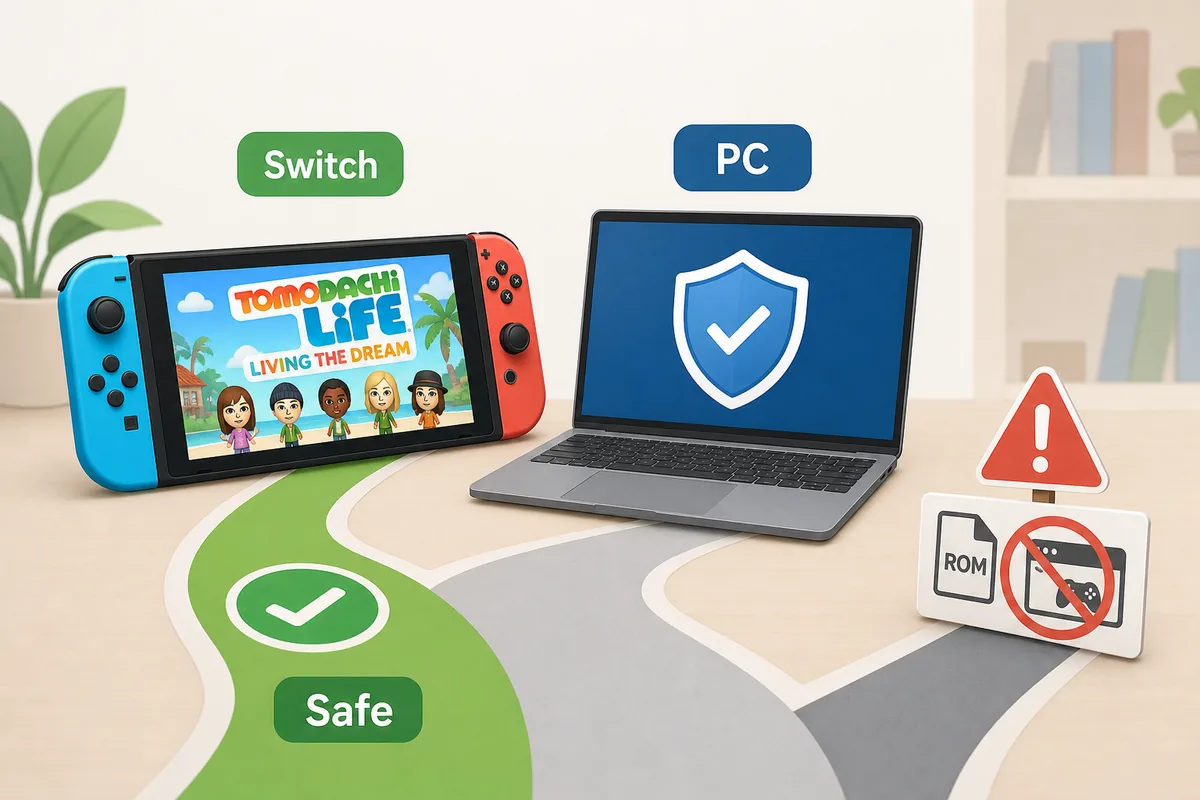
The short answer: treat Tomodachi Life: Living the Dream as a Nintendo Switch family game unless Nintendo announces another platform. There is no official PC release or safe fan-site download here; use the official store, Switch compatibility notes, and manual Mii templates instead of ROM, NSP, or emulator files.
Editorial illustration: this is a safety explainer, not a real gameplay screenshot or download page.
Is there a PC version?
No official PC version is listed by Nintendo. PC keywords usually mean people are looking for availability, not a trustworthy executable.
Can I download it safely?
Use official Nintendo purchase and download paths only. Avoid ROM, NSP, save, unlocker, or emulator bundles from random sites.
What can PC players do?
Check the official Switch release, read compatibility notes, use local play with supported systems, and rebuild Mii ideas from safe templates.
Quick Answer: PC Searches Are About Availability, Not a Safe Download
Searches like Tomodachi Life: Living the Dream PC, Tomodachi Life download, and Tomodachi Life emulator all point to the same practical question: where can you actually play the game without risking your device, save data, or account? The safe answer is narrower than many search results suggest. If Nintendo has not listed a PC version, treat any Windows, Mac, or browser download as unofficial until proven otherwise by a first-party store page.
That does not mean the search is useless. Many players use PC wording because they do not own a Switch yet, want to know whether Switch 2 support changes anything, or are trying to avoid buying the wrong version. This guide separates those legitimate questions from unsafe file claims. It also points you to the site pages that already cover Switch compatibility, Mii sharing, personality settings, and relationship systems.
Search phrase
Real intent
Best page action
Tomodachi Life Living the Dream PC
Can I play it on a computer?
Use this guide for platform and safety boundaries.
Tomodachi Life download
Where is the official purchase or download?
Use official Nintendo store links, not file-sharing pages.
Tomodachi Life emulator
Will an emulator run it?
Treat as unsafe unless you are following lawful personal-use guidance outside this fan guide.
Tomodachi Life online
Can I play in a browser or with internet features?
Check supported local play and official online-feature notes.
Official Ways to Get and Play Living the Dream
The official path starts with Nintendo's store and support pages. Those pages are the best sources for release timing, platform, file size, controller notes, save support, local communication, and any future changes. If a fan site, video description, or download mirror says something different, give the official listing priority.
For most players, the useful choice is not PC versus download. It is which supported Switch-family setup fits your play style. A standard Switch gives docked and handheld play, Switch Lite keeps the game portable, and Switch 2 questions belong in a compatibility check rather than a PC guide. If you are deciding what to buy, read the Switch compatibility page before you spend money.
1
Check the official store first
Confirm the game title, platform, release date, file size, and supported play modes on Nintendo's current listing.
2
Match the console to your use case
Use the Switch compatibility guide if you are choosing between Switch, Switch Lite, OLED, or Switch 2.
3
Use official local play instructions
When you want nearby sharing or multiplayer-style features, follow the game menu and Nintendo Support prompts instead of third-party tools.
Why ROM, NSP, Emulator, and PC Download Claims Are Risky
A PC download result may look convenient, but the risk is usually hidden in the file. ROM and NSP pages can package malware, request suspicious browser permissions, bundle fake installers, or push players toward piracy. Emulator videos can also become outdated quickly because emulator support, firmware requirements, and legal boundaries change. This page intentionally avoids step-by-step emulator setup because that would move away from a safe fan wiki into a file-distribution problem.
The safer editorial position is simple: do not enter Nintendo account credentials on fan pages, do not download unknown executables, do not replace save files from strangers, and do not trust a site because it uses official-looking artwork. If you are only trying to learn gameplay, use written guides, official trailers, screenshots, and community discussion without downloading game files.
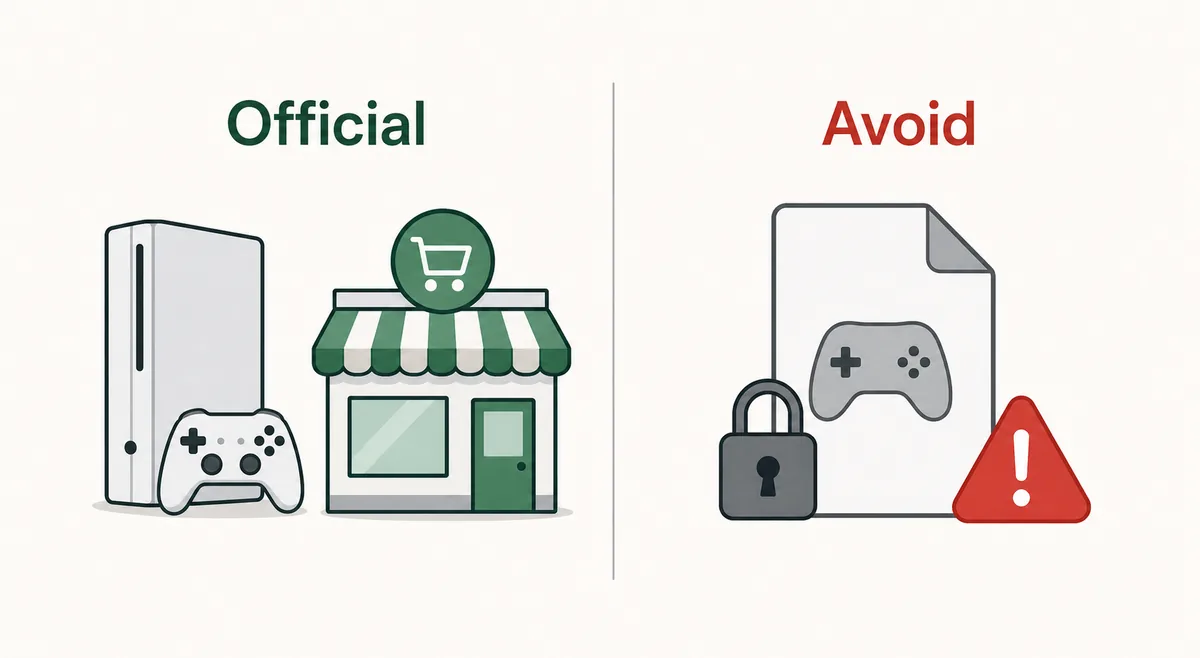
Use official access paths; avoid unknown ROM, NSP, save, or unlocker files.
Claim you may see
Why it is risky
Safer response
PC version free download
No official PC listing, often packaged as an unknown installer.
Check Nintendo's store and do not run the file.
ROM or NSP download
May involve piracy, malware, or broken game data.
Avoid and use official purchase paths.
Emulator-ready bundle
Usually mixes game files, firmware claims, and unsupported instructions.
Do not treat it as a fan wiki recommendation.
Save editor or unlocker
Can corrupt saves or ask for account/device data.
Use manual Mii templates and in-game progress instead.
Can You Play Tomodachi Life Online or in a Browser?
Tomodachi Life online searches often mix two different ideas: playing the full game in a browser and using network features in the official game. Do not assume either one exists just because a search result says play online. Browser pages that claim to run a full console game are especially likely to redirect, gate downloads, or show fake progress bars.
For actual game features, rely on the current in-game menus and Nintendo Support. If the game presents local wireless or supported communication options, use those official flows. If you are trying to share characters, the safer approach is a manual Mii sheet with screenshots, face settings, voice notes, personality, outfit, room, and catchphrase rather than an account-based online importer.
Safe Alternatives for Players Who Started With a PC Search
If you arrived from a PC or emulator query, you still have useful next steps. First, decide whether you are trying to play, research, or recreate content. Playing requires official hardware and the current store path. Researching can happen through wiki pages, trailers, and safe community discussion. Recreating a Mii idea can happen through manual templates without downloading game files.
This site focuses on the safe middle ground: explain mechanics, organize wiki information, and help you plan your island without offering risky files. Use the relationship guide for romance and family questions, the personality chart for 16-type planning, the Mii sharing guide for local play and manual rebuilds, and the Switch compatibility guide before buying a console or copy.
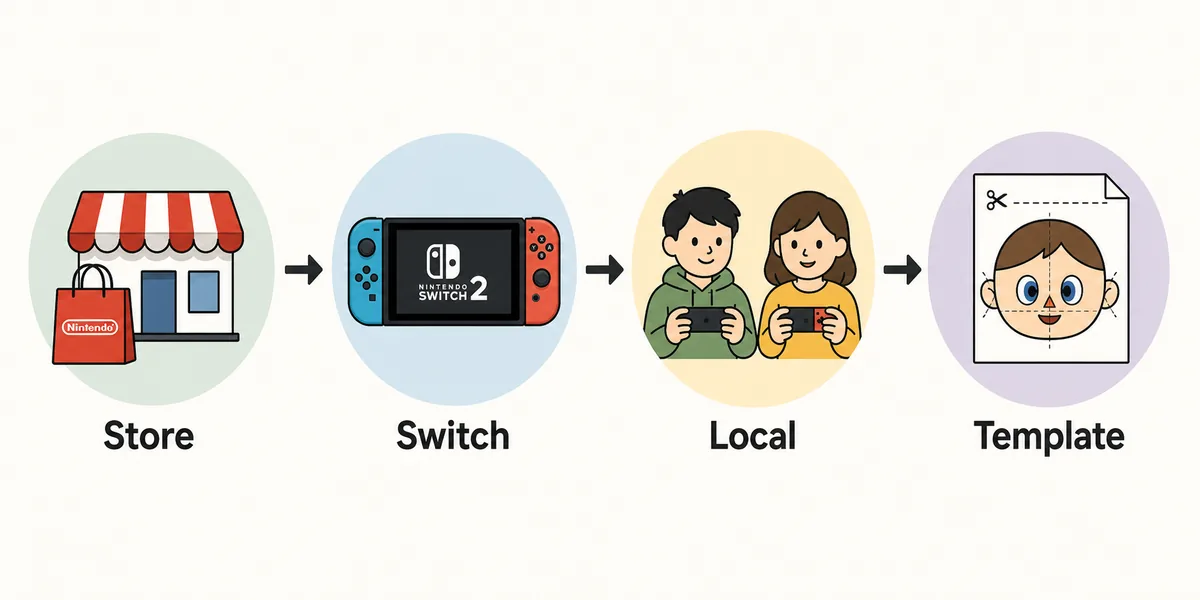
A safe path still answers PC-search intent: official store, supported console, local play, and manual templates.
1
If you want to play
Use Nintendo's official purchase and download path, then choose a supported Switch-family setup.
2
If you want to understand mechanics
Read guide pages for personality, relationships, Mii sharing, and compatibility instead of downloading unknown files.
3
If you want to copy a character idea
Use screenshots and a manual Mii template so another player can rebuild the resident safely.
4
If you see a suspicious download
Close it, do not enter account details, and do not install browser extensions or executables.
Decision Table: What Should You Do Next?
Use the table below as a fast filter. The goal is not to shame players for searching PC, emulator, or download terms. The goal is to answer the real question while keeping your device, accounts, and save data away from unreliable files.
When in doubt, choose the action that leaves no unknown executable, no copied game file, and no account login on a fan page. A slower official route is better than a fast download that can cost you data or violate platform rules.
Your situation
Recommended action
Internal guide
You need to know whether PC is supported
Treat PC as unsupported unless Nintendo announces it.
This guide
You are choosing a console
Compare Switch models and Switch 2 expectations before buying.
Switch Compatibility Guide
You want to share or copy Miis
Use local play where supported, or share manual settings.
Mii Sharing Guide
You want romance, marriage, or family details
Use relationship mechanics and troubleshooting guidance.
Relationships Guide
You found a ROM, NSP, emulator bundle, or unlocker
Do not download it from this workflow.
Use official and guide-only paths
PC, Download, and Emulator FAQ
Is Tomodachi Life: Living the Dream on PC?
No official PC version is listed by Nintendo. Treat PC downloads as unofficial unless Nintendo publishes a first-party PC release.
Can I download Tomodachi Life: Living the Dream for free?
Use official purchase and download paths only. Free ROM, NSP, unlocker, or installer pages can be unsafe and are outside this site's editorial boundary.
Is an emulator guide safe to follow?
Emulator claims vary by device, region, legality, and file source. This fan guide does not provide emulator setup or game-file links because the safe answer is to use official access.
Can I play Tomodachi Life online in a browser?
Do not trust browser pages that claim to run the full game unless Nintendo officially offers that option. Many play-online pages are download gates or ad traps.
What should I use instead of a ROM download?
Use the official Nintendo store for the game, the Switch compatibility guide for hardware choices, and manual Mii templates for character sharing.
Does Nintendo Switch Online matter for this game?
Check the current store listing and in-game prompts for supported features. Do not assume an online requirement or browser-play option from third-party pages.
Why does this page mention emulator and ROM keywords without linking files?
Because those are real search queries. The page answers the intent with safety guidance, official sources, and alternatives without helping users bypass official distribution.