2026 GUIDEFood shopping, favorite-food testing, and a version-safe catalog
Tomodachi Life Food Guide: Buy Food, Find Favorites & Track the Catalog
Use a simple test-and-record routine to answer the questions players actually ask: where to buy food, how to find a Mii's favorite or loathed food, and how to keep a Living the Dream list separate from old 3DS advice.
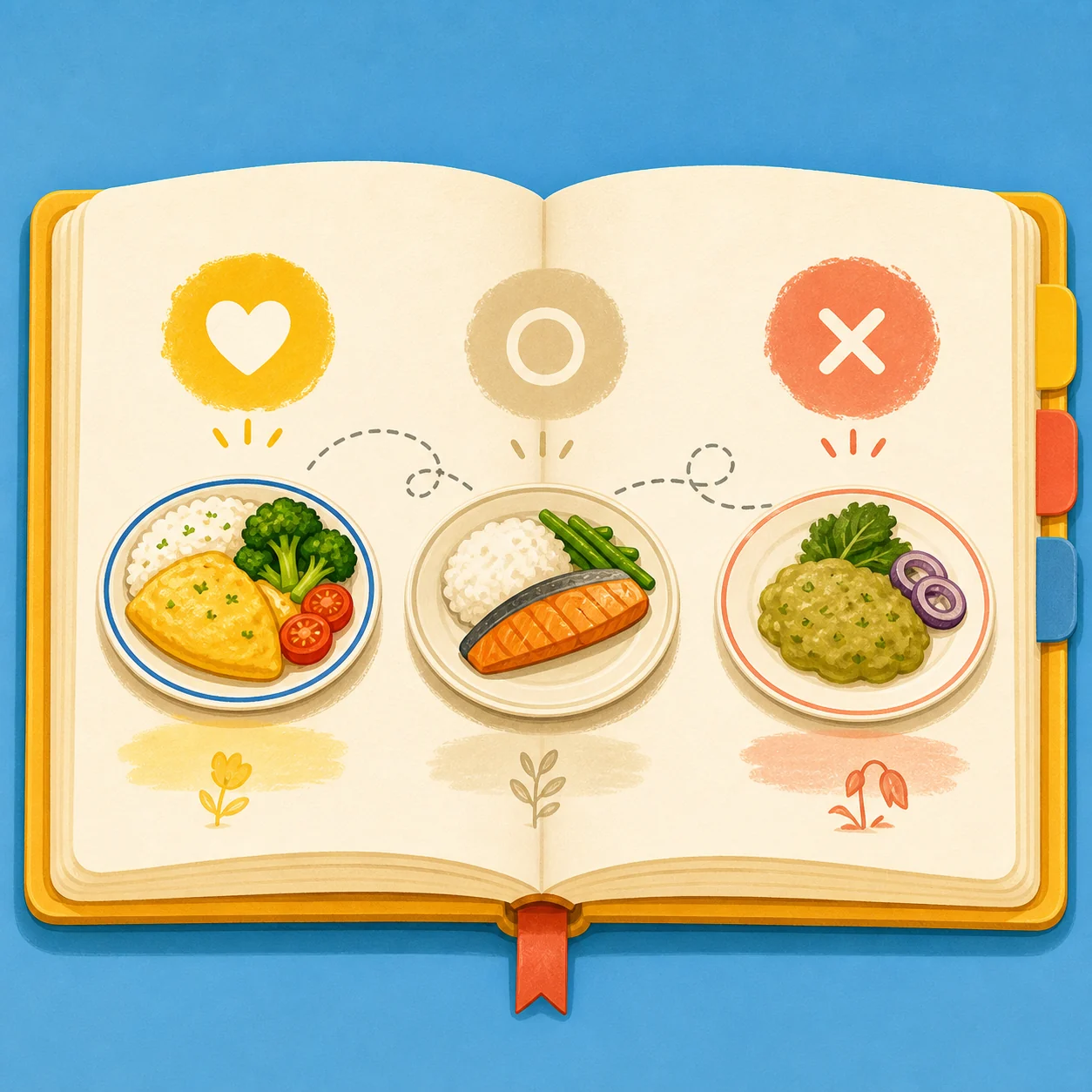
Editorial illustration for this guide. The reliable result is always the Mii's visible in-game reaction, not a generic internet list.
Buy a small test set
Start with a few ordinary foods from the food or shop screen available on your island instead of spending everything on one untested item.
Record one Mii at a time
Give one new food to one resident, note the visible reaction, and mark the result as confirmed or provisional before testing another item.
Keep versions separate
A 3DS food list, a community spreadsheet, and a Living the Dream result are not automatically interchangeable. Label your source and game version.
What does a Tomodachi Life food guide need to answer?
The phrase Tomodachi Life food can mean several different tasks. Some players want to know how to buy food, some are looking for a complete Living the Dream food list, and others want to discover the exact food a particular Mii loves or loathes. Those are related searches, but they are not the same page intent.
The safest way to handle all three is to treat food as a small experiment. Use the food or shop screen that your island currently provides, buy a manageable sample, give one item to one Mii, and record the reaction. This guide gives you the workflow and a catalog format without inventing an official master list that Nintendo has not published.
If a result comes from an older 3DS guide, a fan spreadsheet, or a community post, label it as a lead rather than a confirmed Living the Dream rule. The Switch release can have different menus, item names, regional availability, or progression context.
How to buy food in Tomodachi Life: Living the Dream
When the food or shop facility is available on your island, open its current stock and choose a small mix instead of trying to purchase an entire unverified list. The exact menu name, stock, refresh behavior, and progression timing should come from the screen in your own game; public Nintendo pages do not provide one universal day-by-day unlock calendar.
Food is most useful when it is connected to a resident need. Check visible requests first, then buy enough variety to run a controlled test. If you are short on money, prioritize ordinary items that let you compare reactions before buying something rare or expensive. Do not change the system clock just to force a shop reset; that can make your notes harder to interpret and is not an official method documented by Nintendo.
1
Check the island's current food screen
Use the food or shop facility shown in your current menu. If it is not visible yet, follow the in-game progression prompts instead of relying on a fixed online day count.
2
Buy a controlled starter set
Choose a few different-looking or differently priced foods. The goal is to learn a reaction, not to empty the shop on the first visit.
3
Match the item to one resident
Give one new food to one Mii and write down the exact visible response before moving to another resident or item.
4
Return when the game presents new stock
Keep a short wish list and revisit the facility during normal play. Treat an item as confirmed only after you can see it in your own version.
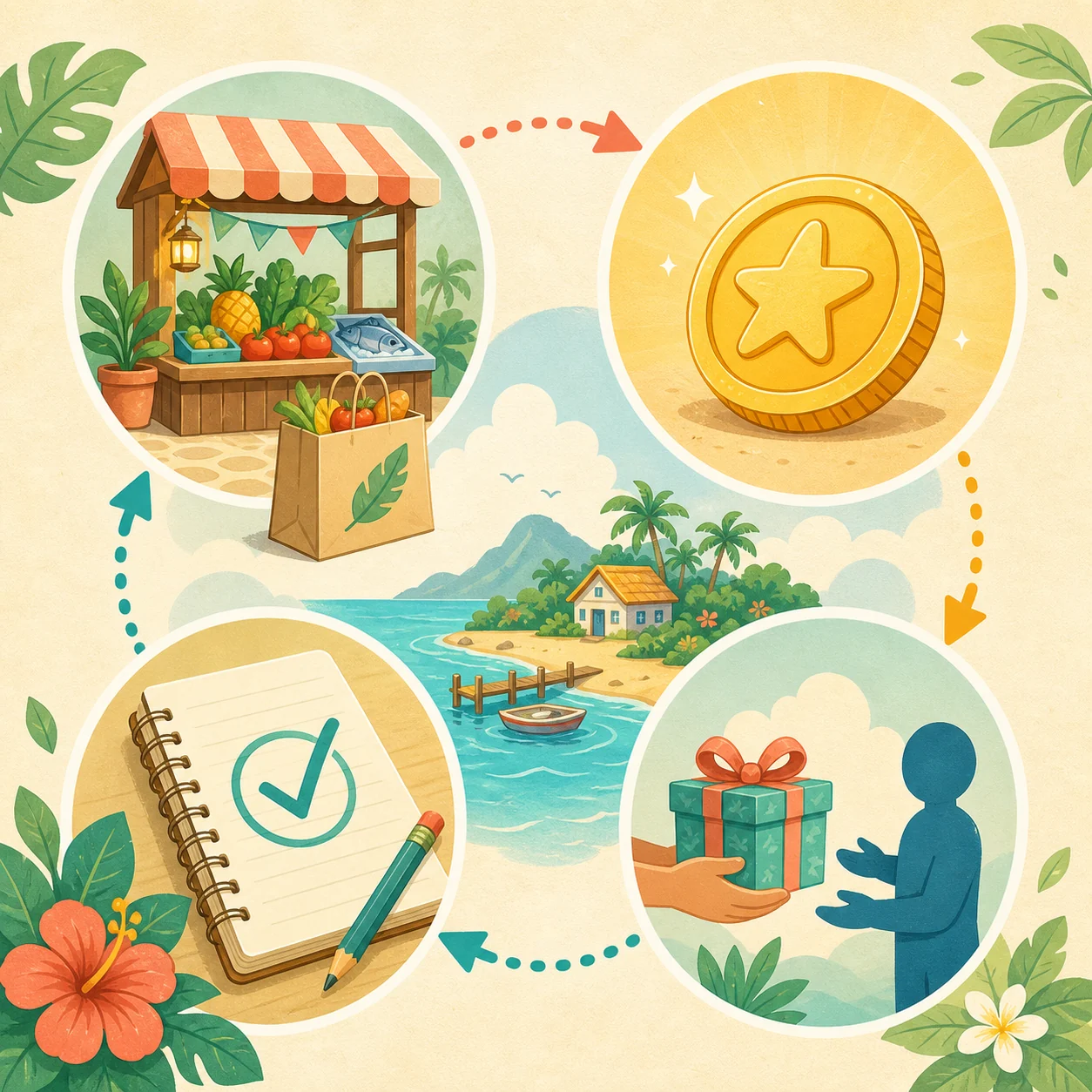
Editorial flow illustration: buy a small sample, give it to a resident, then record the result. This is a planning aid, not a screenshot of the game interface.
How to build a useful Tomodachi Life food list
A useful food list is more than a long column of names. For each item, record where you saw it, which game version you tested, who received it, and how certain the reaction is. That turns a community list into a working island notebook and makes it easier to spot a stale 3DS entry or a regional difference.
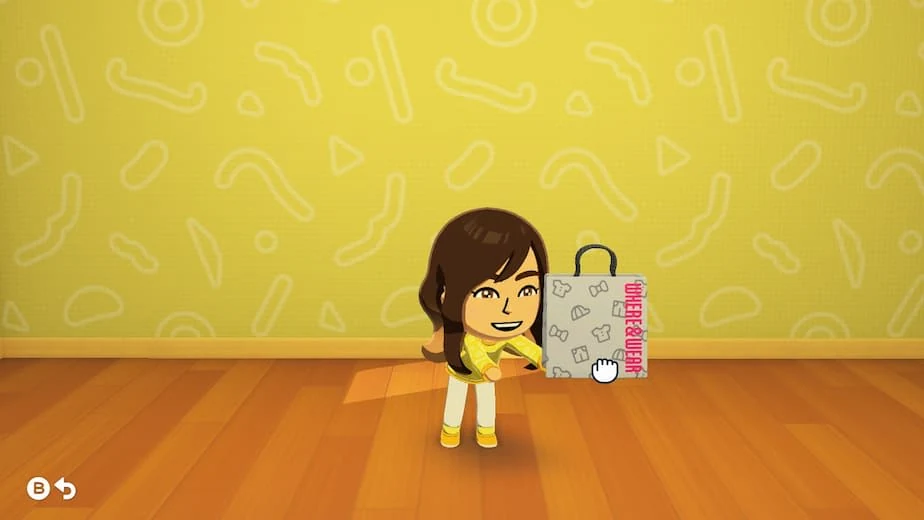
Use the official food icon and real in-game screenshots as visual references, but do not treat promotional art as a complete inventory. The public product page is helpful for confirming the game's food and resident-care context; it does not replace your own current catalog.
Record field
What to write
Why it matters
Food name
The exact label shown in your menu
Prevents memory-based or 3DS-only names from entering the list
Source and version
Shop screen, request, screenshot, and game version
Separates confirmed Living the Dream results from community leads
Mii tested
Resident name or a short cast code
Food reactions belong to a specific Mii, not a universal player preference
Visible reaction
The game's strongest clear response or a neutral result
Keeps the record tied to what you actually observed
Confidence
Confirmed, repeat needed, or unverified
Stops one accidental test from becoming a fake definitive list
Official Nintendo food icon from the product media set. It is a real promotional asset, not a claim that the icon represents every available food item.
How to find a Mii's favorite food
For the search how to find favorite food in Tomodachi Life, the most dependable answer is a controlled test. Give the Mii one food at a time, watch the reaction, and mark the result with the language your game actually shows. A strong positive reaction can be recorded as a confirmed favorite only when the screen makes that clear; a mild positive result should stay provisional until you repeat it.
Avoid testing several new foods in one session and then guessing which one caused a happiness change. That makes the note useless later. If you are building a roster spreadsheet, keep a separate row for each resident and use the same item order for every test so the comparison is easy to audit.
1
Choose one resident
Start with the Mii whose food preference you want to learn. Do not combine several residents' results in one unnamed note.
2
Offer one unconfirmed item
Use one food and wait for the visible response. Record the item name before you rely on your memory.
3
Use cautious labels
Write loved, liked, neutral, disliked, or loathed only when the reaction supports that wording. Otherwise write the exact short description you observed.
4
Repeat important results
Test a suspected favorite again on a later normal visit. Keep a provisional mark if the result was ambiguous or the item came from an unverified source.
Official Nintendo screenshot used as real product context for resident interactions. The image does not publish a food chart; use your own in-game response for the result.
How to test disliked, loathed, spicy, or sour foods
Questions such as what food a Mii hates, what foods are spicy, and how to find food your Mii loathes all point to the same practical problem: players want to identify a negative reaction without wasting time or confusing a taste category with a confirmed result. Use the same one-item-at-a-time method, but give negative results their own confidence label.
Do not infer that every red, sour, spicy, or unusual-looking food will produce the same reaction for every Mii. A visual category is a testing shortcut, not an official rule. If a community post claims that one food is universally hated or universally loved, verify it against your own current version before repeating it as fact.
1
Test common items before rare ones
Use ordinary foods to establish how the resident's reaction appears before spending a scarce item on a theory.
2
Separate taste notes from reaction notes
You can describe an item as sour or spicy in your own catalog, but keep that separate from whether this particular Mii liked it.
3
Mark a negative result as observed
Record the strongest clear negative response and the date or session. Do not convert one ambiguous animation into a universal hate list.
4
Link custom-food questions elsewhere
If the search is about drawing or adding custom items, continue to the custom-house and custom-item guide rather than mixing editor instructions into a food preference table.
Search wording
Best answer on this page
Placement
tomodachi life foods
Start a version-labeled catalog and confirm each entry in-game
Food list section
how to buy food in tomodachi life
Use the food or shop screen available on the island and follow current prompts
Buying section and FAQ
how to find favorite food
Test one item per resident and repeat unclear results
Favorite-food section
what food does a Mii loathe
Record the visible negative reaction; do not assume a universal list
Disliked-food section
custom food or food drawing
Use the dedicated custom-item guide and its safe sharing boundaries
Internal link to custom-house guide
Why this guide does not publish a fake complete food chart
The phrase Tomodachi Life Living the Dream food list has clear demand, but a search result is not proof that a list is complete. Nintendo's public product and support pages provide official game context, media, platform information, and update support; they do not publish a single verified web catalog with every food name, stock rotation, reaction, price, or unlock condition.
That is why this page separates official facts, observations from your current game, and community leads. The site checked Nintendo Support on August 6, 2026 and still records Ver. 1.0.4, released July 23, 2026, as the latest verified update. For current menus or item availability, use the game and official support pages rather than an old 3DS table or an unverified download.
For custom food, custom item sharing, or drawing-editor questions, follow the existing custom-house guide. For wider shop routines, dreams, and happiness loops, use the daily-activities guide. Keeping each page narrow makes the information easier to update when the game changes.
Tomodachi Life food FAQ
How do you buy food in Tomodachi Life: Living the Dream?
Open the food or shop facility currently available on your island, inspect its stock, and buy a small test set. If the facility is not visible, follow the progression prompts in your game instead of assuming a universal unlock day.
How do you find a Mii's favorite food?
Give one unconfirmed food to one Mii, watch the visible reaction, and record it. Repeat important or ambiguous results before marking a favorite as confirmed.
What food does a Mii loathe in Tomodachi Life?
There is no single universal hate list you should assume is correct for every Mii. Test one item at a time, record the strongest clear negative response, and keep the result tied to that resident and game version.
Is a Tomodachi Life food list from the 3DS version still accurate?
Do not assume it is. Use older lists as leads only, then verify the item name, menu, availability, and reaction in Living the Dream before adding it to a current catalog.
Is there an official complete Tomodachi Life: Living the Dream food list online?
Nintendo's public product and support pages checked for this guide do not publish a complete universal web catalog with every food, price, stock rule, and Mii reaction. Build your own version-labeled list from in-game evidence.
Can I add custom food or download food packs?
For drawing and custom-item questions, use the site's custom-house guide. Avoid unknown save files, executables, ROM patches, and unofficial download bundles; this site only links to official purchase and support sources.
What is the latest verified Tomodachi Life: Living the Dream version?
Nintendo Support still lists Ver. 1.0.4, released July 23, 2026, as the latest update checked by this site on August 6, 2026. Update through the Nintendo Switch system rather than downloading an unknown file.