GuideClothing shops, outfit changes, and catalog notes
Tomodachi Life Clothes Guide: Outfits, Shops & Catalog
Use this practical Tomodachi Life clothes guide to understand outfit categories, shop visits, Mii clothing changes, custom-design questions, and a version-safe way to track what you actually own.
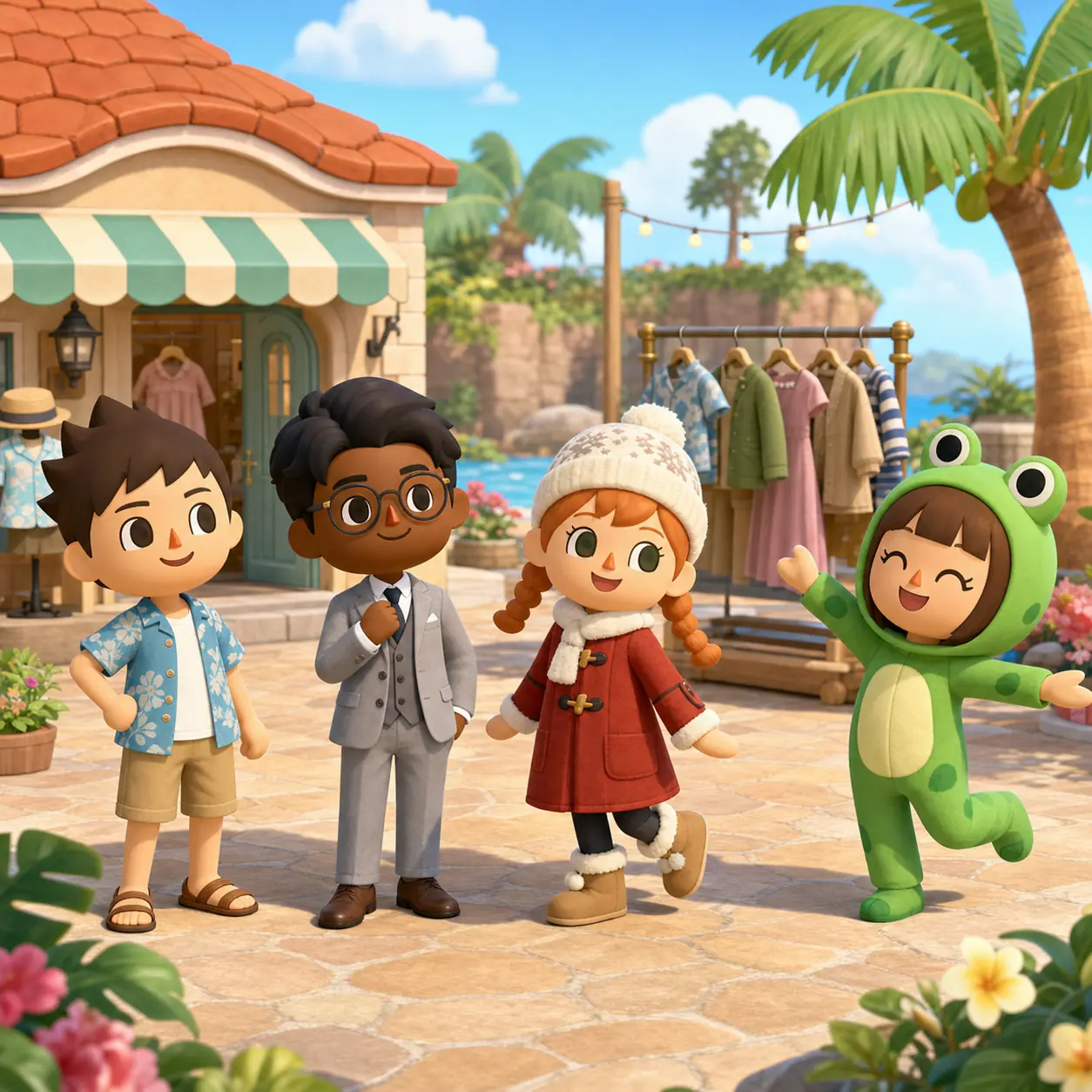
AI-generated editorial illustration for this fan guide; it is not an official game screenshot.
What is the short answer?
Clothing is both a customization choice and part of the normal island routine. Check the clothing shop, respond to resident needs, and record items from your own current game instead of trusting an old 3DS list as a complete Switch catalog.
What can you track?
Record the clothing name or visual description, category, color, source, date seen, and whether the item is owned. This turns a vague clothes list into a useful collection log.
What will this page not invent?
Nintendo's public pages show clothing and customization, but they do not publish one universal, region-proof catalog with every unlock condition. Treat exact totals and hidden timers as unverified unless your game confirms them.
Tomodachi Life clothes: the short answer
If you are searching for Tomodachi Life clothes, you probably want one of four answers: where to get outfits, how to change a resident's clothing, whether clothing can be designed, or how to finish a clothes list. These are related questions, but they are not the same task. Start with the current clothing screen in your own save, then use a guide to organize what you see.
The safest approach for Living the Dream is to separate confirmed game behavior from catalog assumptions. Official Nintendo material presents clothing as part of the island's creative customization, and the Japanese feature page also highlights designing clothes. That supports the feature's existence, but it does not prove a fixed worldwide count or a single unlock route for every player.
How to find and change clothes in Tomodachi Life
Treat clothing as part of a normal check-in rather than a one-time menu hunt. Visit the clothing shop when it is available, look at the current selection, and check residents who have a request or gift prompt. If you are trying to recreate a particular look, write down the category and visual details before buying another item so you do not confuse a similar shirt, dress, coat, hat, or costume.
Changing a Mii's clothes should be handled from the resident's current interaction or wardrobe options shown by your game. Menu labels can differ by language and situation, so this guide does not pretend that one button sequence is universal. If an item seems missing, check the resident's owned items, the current shop stock, and whether the game is asking you to select a category first.
1
Check the current clothing source
Open the clothing shop or the resident prompt shown by your current island routine. Do not assume yesterday's stock or an old guide's menu order is still visible.
2
Choose the category before comparing
Separate everyday clothing, formal looks, seasonal pieces, costumes, hats, shoes, or accessories when the game presents those choices.
3
Record the item before moving on
Save a short description, the color, the resident who received it, and whether it is owned or only previewed.
4
Test the outfit on the right resident
A clothing item can read differently depending on the Mii, the scene, and the rest of the outfit. Use your own island as the final reference.
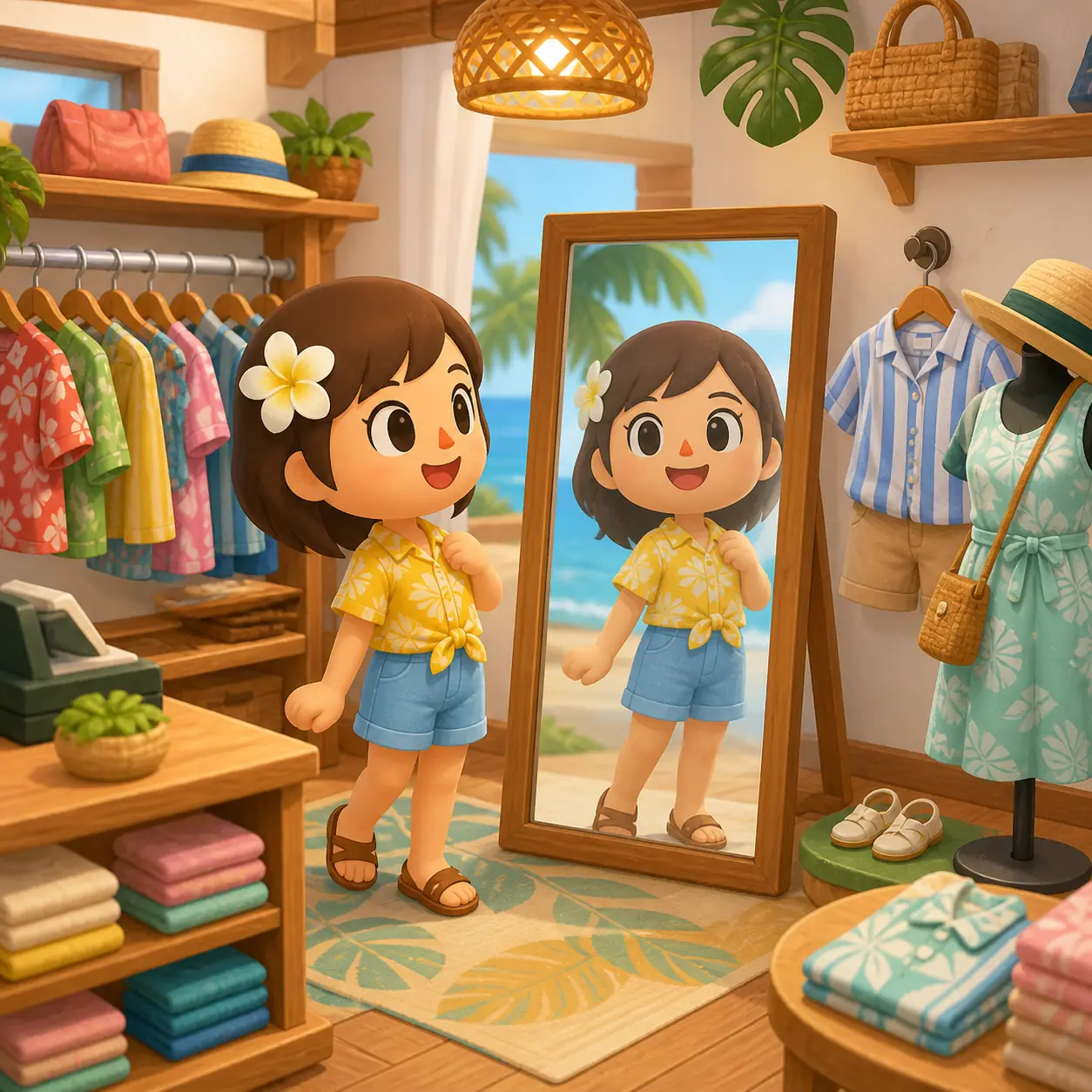
AI-generated editorial illustration showing the browsing and outfit-checking idea; not an official game screenshot.
Where clothing and outfits come from
Searches such as “Tomodachi Life clothes list” and “all clothes” often expect a single complete spreadsheet. A more reliable guide starts with sources: shop stock, resident gifts, event or seasonal observations, and any design or sharing feature that the current release actually exposes. Record each source separately so a community observation does not become a fake official unlock rule.
The clothing shop is the clearest starting point for routine collection work, but do not promise that every item appears on a fixed timer unless Nintendo documents that behavior. When an item appears unexpectedly, note the date, the shop or event context, and the release version. That evidence is more useful than copying a list with no region or update date.
Source
Best use
What to record
Clothing shop
Check current stock and compare categories
Date seen, category, color, owned status
Resident gift or prompt
Understand why a Mii received an item
Resident, scene, item description, result
Seasonal or event observation
Track time-limited or themed pieces cautiously
Date, event context, region, confidence
Design or sharing feature
Separate original designs from shop items
Feature used, export/share limit, current version
Matching outfits, preferences, and custom designs
Outfit planning is more useful when it supports the resident rather than forcing a hidden stat. Try matching a Mii's personality, role, season, or house theme, but treat the result as a creative choice. A personality chart can help you design the cast, while the clothing page answers what to wear and how to keep the wardrobe organized; neither page should promise that one outfit guarantees a friendship, romance, or happiness result.
Custom-clothing searches need an extra boundary. Nintendo's Japanese feature article describes designing clothes, while public English pages may use different wording for creative tools. If the editor is available in your current game, document the visible workflow and keep custom designs separate from purchasable catalog items. Do not download unknown clothing packs, save files, or executable tools to fill a missing catalog entry.
1
Start with a simple outfit goal
Choose a role such as beach day, formal visit, winter scene, performer, or house theme before searching for a perfect item.
2
Keep shop items and designs separate
Mark whether a look is a normal item, a gift, a seasonal observation, or a custom design so your list remains honest.
3
Use the resident's full look
Check clothing, headwear, shoes, and accessories together when those slots are available; a single item rarely tells the whole story.
4
Save your own evidence
Use a screenshot or written note from your own game, not a random download, when you want to recreate a look later.
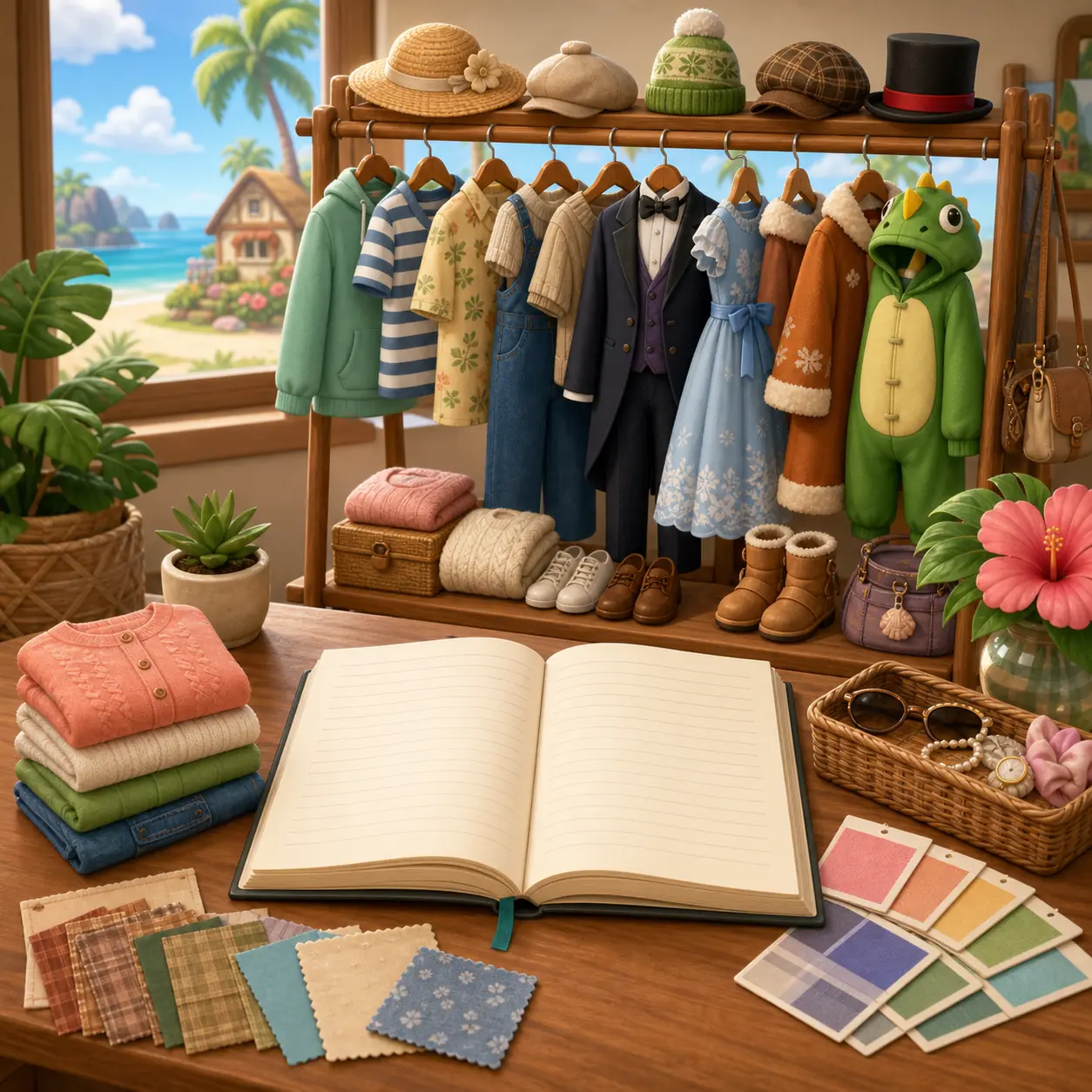
AI-generated editorial illustration for catalog planning; not an official clothing inventory screenshot.
How to build a useful Tomodachi Life clothes list
A useful clothes list is not just a long name dump. It should help you answer practical questions: which categories you have checked, which items are still missing, which items work for a themed resident, and which entries are uncertain. Use one row per item and keep a confidence label when the information came from a community catalog rather than your own current game.
If you play in more than one language, preserve the official product name and add the local clothing term beside it. That makes the list easier to compare with local searches such as ropa, vêtements, Kleidung, roupas, 服, 옷, or vestiti without pretending that every translated item name is an official localization.
Field
Why it helps
Example note
Category
Prevents shirts, dresses, hats, and costumes from mixing together
Outerwear; checked in current shop
Visual description
Works when the official item name is unclear
Blue striped shirt with short sleeves
Source
Shows whether the entry is observed, gifted, or community-reported
Own save; resident gift
Confidence and date
Keeps old or regional data from looking universal
Medium confidence; checked 2026-08-19
Version limits and outdated clothes lists
A catalog can become misleading when it mixes 3DS clothing, Living the Dream clothing, fan-made names, and items seen in a different region. Before you copy an “all clothes” list, check its game version, publication date, screenshots, and whether it distinguishes owned items from shop previews. If those details are missing, use it as a discovery list rather than proof.
This page also keeps clothing separate from download intent. Do not use ROMs, NSP files, emulator packs, save editors, or unknown clothing installers to unlock an outfit. For official availability and software updates, use Nintendo's current product and support pages; for a catalog, rely on your own observations and clearly labeled community references.
Claim
Editorial treatment
A community page lists every item
Useful reference, but verify version, region, and current in-game presence.
A shop item appears on a fixed schedule
Record the observation; do not call it a guaranteed timer without official support.
A 3DS list matches Living the Dream
Use it for ideas only until the Switch release confirms the item.
A download unlocks missing clothing
Reject it; use normal play and official support instead.
Frequently asked questions
How do I get clothes in Tomodachi Life: Living the Dream?
Start with the clothing shop and current resident prompts, then record what appears in your own save. Gifts, events, and creative features may add other routes, but exact availability should be checked against the current game rather than assumed from an old list.
How do I change a Mii's clothes?
Use the wardrobe or clothing option shown by the resident interaction in your current language and situation. If the item is missing, check the category, the resident's owned items, and the current shop selection before assuming it is locked.
Is there a complete Tomodachi Life clothes list?
Community catalogs can help you discover names and categories, but Nintendo does not provide one universal public list that proves every item, region, and unlock condition. Mark community entries as provisional until your game confirms them.
Can you make custom clothes in Tomodachi Life?
Nintendo's Japanese feature material describes clothing design, but the exact editor wording and workflow should be read from the current release and region. Keep custom designs separate from normal shop inventory and do not use unknown downloads.
Do clothes change a Mii's personality or relationships?
Clothing can support a resident's role, scene, or house theme, but this page does not claim that one outfit guarantees happiness, friendship, romance, or a relationship result. Use the relationships and personality guides for those separate intents.
Can I use a 3DS clothing list for Living the Dream?
Use it as background or inspiration only. Names, categories, availability, and design tools can differ between releases, so label old entries and verify them in the current Switch game before treating them as facts.