GuideGiving routines, level-up items, and version-safe gift notes
Tomodachi Life Gifts Guide: Giving, Level-Up Items & Birthday Questions
Use this practical Tomodachi Life gifts guide to understand what counts as a gift, how to give items without confusing them with dream rewards, and how to keep a useful list when exact catalogs vary by release, region, or observation.
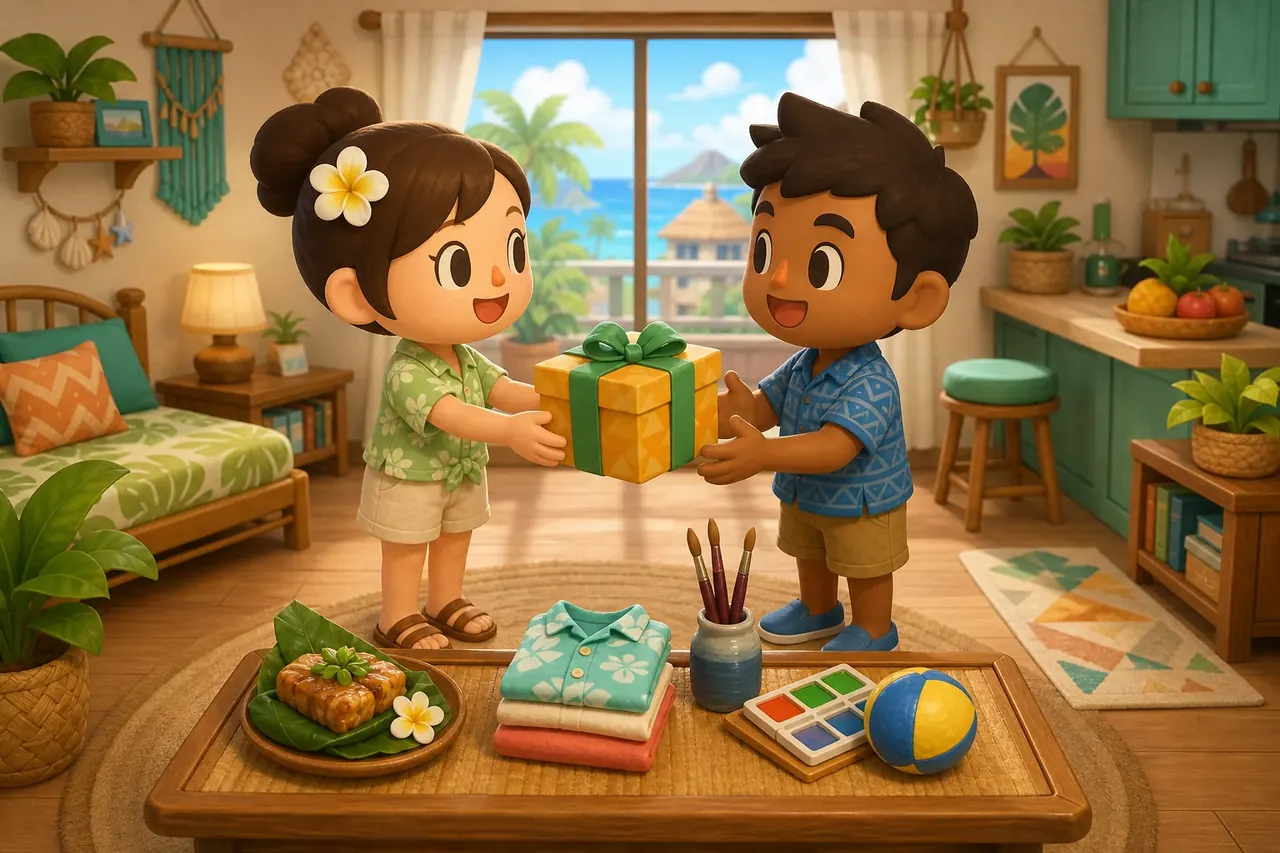
AI-generated editorial illustration for this fan guide; it is not an official gameplay screenshot.
What counts as a gift?
A gift is an item you intentionally give to a resident through a resident interaction or gift prompt. Food, clothing, hobby items, and other objects should be logged by the route you actually used.
Can gifts raise happiness?
A suitable gift can support a resident's mood or routine, but there is no universal item that guarantees the same reaction from every Mii. Watch the visible response and record it.
Is there a complete list?
Community lists are useful starting points, but this page does not pretend that one old 3DS list proves every Living the Dream item, shop rule, or birthday result.
Tomodachi Life gifts: the short answer
If you are searching for Tomodachi Life gifts, you may be asking several different questions at once: how to give a resident an item, which gifts help with a daily routine, what a Mii receives after leveling up, whether birthdays change the gift pool, or where to find a complete list. These searches are related, but they do not all describe one mechanic. Start by identifying the resident prompt or menu you are looking at, then record the item and the visible result.
The safest advice for Tomodachi Life: Living the Dream is to treat gifts as part of normal island care rather than a guaranteed happiness formula. Give an item when a resident asks, when you are testing a preference, or when the game presents a reward route. If the reaction is strong, save the resident, item, source, date, and game version in your notes. That small habit is more reliable than copying an undated list that mixes older 3DS behavior with the current Switch release.
Player question
Best interpretation
What to record
How do I give a gift?
Use the resident interaction or gift prompt visible in your current game.
Menu route, item, resident, and result.
Which gift is best?
The useful gift depends on the resident, goal, and visible response.
Reaction strength and whether happiness changed.
Is this a dream reward?
Dream rewards come after a dream scene and should be tracked separately.
Source: gift, dream, shop, or problem bubble.
Why does a list disagree?
The list may use a different release, region, or confidence level.
Version, language, source, and date checked.
Gift types: food, clothes, hobbies, and other items
A useful gift guide separates categories instead of presenting one giant item dump. Food is often tested as a preference, clothing changes a resident's look, and hobby or object gifts can create a different kind of response. Some items may also appear as shop purchases, event rewards, dream rewards, or problem-bubble outcomes. The same object name can therefore look like a gift in one note and a reward in another unless you write down the source.
Use the site's food guide when your real question is how to test favorite or disliked foods, and use the clothes guide when you are organizing outfits or clothing-shop observations. This page focuses on the giving decision: what the resident received, why you gave it, and what the game showed afterward. That boundary keeps gift searches useful without repeating every food or clothing catalog entry.
1
Name the category
Write food, clothing, hobby, room, toy, or other item before adding the exact name. A category makes a later list easier to filter.
2
Separate source from category
Record whether the item came from a shop, a resident request, a level-up event, a birthday observation, a dream, or a community report.
3
Keep the reaction attached to the resident
Do not turn one Mii's strong reaction into a rule for every resident. Keep the Mii, personality context, and game version beside the result.
Gift category
Good use of a note
Do not assume
Food
Track a resident's visible preference or a careful test.
One food is universally loved or hated.
Clothing
Record the outfit, category, and whether it was owned or gifted.
A costume guarantees happiness or romance.
Hobby or object
Note the activity, scene, or request that introduced it.
Every object follows one fixed hidden formula.
Dream reward
Track the dream source separately after the scene.
A dream reward is the same as a normal gift.
Birthday or event
Record the date, event context, and exact response.
An old guide proves the current event table.
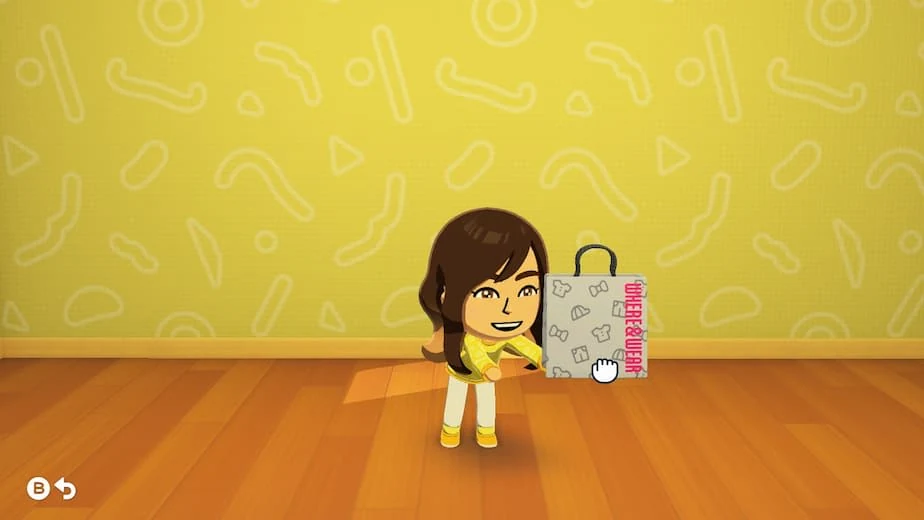
Official game media already used by this site to illustrate a resident receiving a present; it is not a complete gift catalog.
How to give a gift in Tomodachi Life: Living the Dream
The exact button label can vary with the current language and situation, so use the action that your resident interaction actually exposes rather than memorizing an old 3DS menu path. Start from the Mii who will receive the item, look for a request, gift, inventory, or item-selection option, and confirm the item before closing the interaction. If the option is missing, solve urgent problem bubbles and check the resident's current state before assuming that the feature is locked.
Gifting works best as a small experiment. Choose one item, give it to one resident, watch the full response, and write down what happened. If you are testing a preference, do not change several variables at once. If you are trying to raise routine happiness, combine gifts with food, clothing, rest, and problem solving instead of expecting one object to repair every mood or relationship state.
1
Open the receiving resident's interaction
Use the current apartment or resident screen and look for the prompt that allows an item or gift choice.
2
Choose one clearly identified item
Confirm the category and item name before giving it. Avoid mixing a shop purchase, a dream reward, and a gift in the same note.
3
Watch the complete response
Record the visible animation, spoken reaction, happiness change, or follow-up request without guessing what a hidden stat did.
4
Repeat only when the result matters
For an important catalog entry, test it again later or with the same resident before calling the result confirmed.
Level-up gifts and special item questions
Searches for Tomodachi Life level up gifts often expect a clean reward table. A better way to use a list is to separate the trigger from the item: write down which level or resident event you observed, what the game offered, and whether the item was selectable, automatic, or part of another prompt. This makes it possible to compare reports without claiming that every player sees the same order.
If a community page gives a long gift list, treat it as a discovery aid until the current game confirms the name and route. Some entries may be ordinary items, some may be event rewards, and some may describe the older 3DS release. The page can still help you find what to test, but the confidence label should stay visible in your notes.
Field
Example note
Why it matters
Trigger
Resident level-up prompt
Separates progression rewards from normal giving.
Item
Exact name or short visual description
Useful when translations or catalog names differ.
Choice
Selected from a menu / automatic / unclear
Prevents a fixed choice rule from being invented.
Evidence
Own save, official page, community screenshot
Shows how strong the claim is.
Version and date
Living the Dream, checked 2026-08-22
Stops old 3DS notes from looking current.
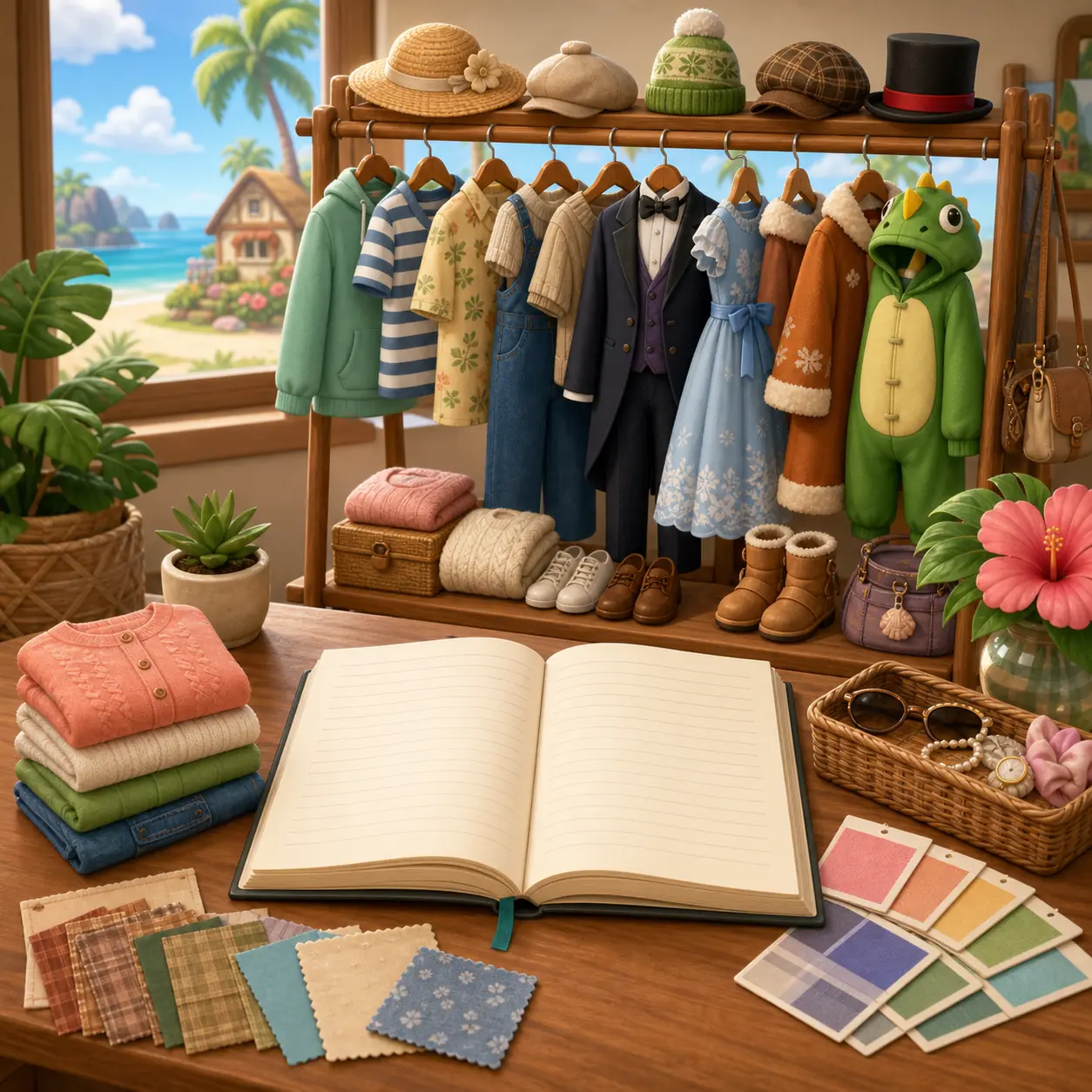
Editorial catalog illustration for organizing clothing and gift observations; it is not an official inventory screen.
Birthday gifts: what you can safely say
The question “do Tomodachi Life Miis get birthday gifts?” is a useful FAQ because players often mix birthday scenes with normal resident gifts, celebration items, and friendship events. Check the event in your own current save and note the date, resident, item, and follow-up. If a page lists a universal birthday reward without naming the release or source, treat it as a clue rather than a guaranteed rule.
Birthday notes are also a good place to keep language and region differences visible. Item names may be localized, and a community list can use a fan translation rather than the current in-game wording. Preserve the official name when available, then add the local label and a short visual description so the entry remains findable without pretending that the translation is an official catalog title.
Birthday note
Record this
Confidence rule
Resident
Name and current mood
High confidence only for what you saw.
Event
Birthday scene, party, or prompt wording
Do not merge it with an ordinary gift.
Item or outcome
Exact name, appearance, and next action
Use a visual description if translation is uncertain.
Date and version
Calendar date and current release
Makes later updates auditable.
Repeat result
Whether another resident or year behaved the same
One observation is not a universal table.
How to build a useful Tomodachi Life gifts list
A useful gift list answers a practical question instead of trying to become an unverified encyclopedia. Use one row per observation and keep the source visible. You can start with a simple notebook or spreadsheet containing resident, item, category, source, reaction, happiness context, date, version, language, and confidence. Add a screenshot from your own game when the name is hard to read, but do not upload or download save files just to complete the list.
When a result comes from a community forum, video, or fan wiki, label it as community-reported and link to the source when the page allows it. When the result comes from an official Nintendo page, use it for the feature or release boundary that it actually documents. This separation helps readers distinguish “Nintendo describes the game has gifts” from “this exact Mii always loves this exact item.”
Before marking a row as confirmed, review it in three passes: read the original source and separate what it actually shows from interpretation; compare the menu route, item name, and reaction with your own game or a second documented report; then check the date, region, language, and version. If those details are missing, leave the row as “to verify.” When a reaction appears only with one Mii, record it as that resident’s observation rather than a universal rule. This takes a little longer, but it tells readers which entries to try now, which to repeat, and which to keep only as clues.
1
Start with categories
Create separate views for food, clothes, hobby items, level-up rewards, birthdays, and uncertain reports.
2
Use confidence labels
Try observed, repeated, community-reported, official feature, or unverified instead of a single yes/no field.
3
Keep old versions separate
Add 3DS, Living the Dream, region, or language tags before combining any two lists.
4
Review after updates
When Nintendo changes the game, check whether item names, shop routes, or event descriptions still match your notes.
Version limits, old 3DS lists, and unsafe shortcuts
Older Tomodachi Life pages can be valuable for ideas, but they may mix 3DS item names, region-specific wording, fan categories, and Living the Dream observations. Before copying a complete gift list, check its publication date, screenshots, release, and confidence notes. If those details are missing, use the list to discover what to test rather than repeating it as a confirmed Switch rule.
This guide also keeps gifting separate from download intent. Do not use ROMs, NSP files, emulator packs, save editors, or unknown installers to unlock an item or fake a birthday result. For official availability and updates, use Nintendo's store and support pages. For a real gift catalog, normal play and clearly labeled observations are safer than a download that promises every item instantly.
Claim
Editorial treatment
A community page lists every gift
Useful discovery reference; verify version, region, and source before calling it complete.
One Mii loves an item
Keep it tied to that resident and observation; do not universalize it.
A 3DS list matches Living the Dream
Use it as background until the current Switch game confirms the entry.
A download unlocks gifts
Reject it; use normal play and official support instead.
A dream reward appears in a gift list
Move it to a separate dream-reward section and cite the actual source.
Tomodachi Life gifts FAQ
How do you give someone a gift in Tomodachi Life?
Open the receiving resident's current interaction, choose the gift or item action your game shows, select one item, and watch the full response. Menu labels can vary by language and situation, so use the visible route in your current release instead of relying on an old 3DS button sequence.
What are the best gifts in Tomodachi Life?
There is no single best gift for every Mii. The practical choice depends on the resident, your goal, the category, and the visible reaction. Record strong results by resident and keep them separate from universal claims.
What are Tomodachi Life level-up gifts?
Level-up gifts are items reported around resident progression or level-up prompts. Treat community lists as discovery aids and record the trigger, item, choice, version, and evidence before calling a reward confirmed.
Do Tomodachi Life Miis get birthday gifts?
Birthday scenes can involve gifts or special outcomes, but the safest guide is the event you can verify in your current game. Record the resident, date, item, wording, and release instead of treating one old list as a universal table.
Are dream rewards the same as gifts?
Keep them separate in your notes. A dream reward is received after a dream scene, while a normal gift is intentionally given through a resident interaction or gift prompt. The item may look similar, but the source and search intent are different.
Can I download a complete Tomodachi Life gift list or save file?
Avoid unknown ROMs, save files, emulator packs, executables, and unlockers. Use official Nintendo pages for the game and update path, and build a version-labeled gift list from normal play or clearly attributed community observations.