Demo GuideLimits, save transfer, completion reward, and buying steps
Tomodachi Life Demo Guide: Limits, Save Data, and the Hamster Costume
Nintendo's official product page says the demo lets you create up to three Mii characters. If you buy the full Nintendo Switch game, your demo save data carries over, and completing the demo unlocks a Hamster Costume for your Miis. This guide separates those confirmed facts from questions that still depend on the current store listing or your play session.
Editorial illustration only. Check Nintendo's current product page for live demo availability and purchase details.
Quick Answer: What the Tomodachi Life Demo Includes
The current Nintendo product page describes a focused demo for Tomodachi Life: Living the Dream. You can create up to three Mii characters in the demo, use that small cast to understand the game's tone, and decide whether the island routine suits you before purchasing. The same official listing says that your demo save data carries over to the main game after purchase. That makes the demo more useful than a disposable video preview: you can start with a small test island and keep the progress that the game marks as transferable.
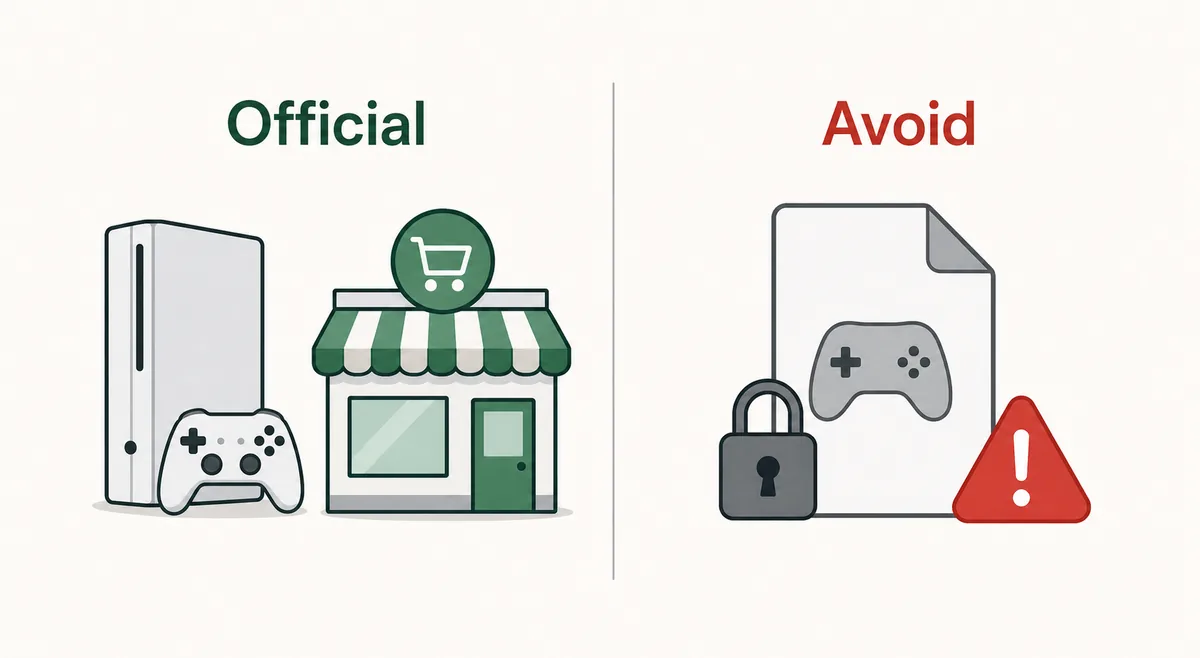
Use the official Nintendo store path and avoid ROM, emulator, and unknown installer files.
Tomodachi Life Demo Limits: The Three-Mii Cap and What It Means
The clearest published restriction is the resident count: Nintendo says you can create up to three Mii characters in the demo. This cap changes how you should test the game. Three residents are enough to compare voices, appearances, and early requests, but they are not enough to reproduce a busy island with several friendship groups, couples, children, or competing daily problems. If you arrive expecting a complete roster tool, the demo will feel small by design.
A good test cast gives each slot a job. Use one Mii whose voice and appearance are close to your normal style, one deliberately different character, and one character you can imagine revisiting after purchase. This makes the demo a practical fit check rather than a rushed tour. Write down the names and creation choices if you want to recreate a test in another user profile, but do not assume that a screenshot or a community template is the same thing as an official save transfer.
Demo Save Data Transfer: What Carries Over After Purchase
Nintendo's product page gives the most useful transition fact: your save data from the demo will carry over to the main game upon purchase. In practical terms, the demo is a low-risk way to begin creating a small cast without assuming that all of your work must be repeated. The wording supports a normal demo-to-full-game path, so start the demo from the Nintendo user and console setup you plan to keep for the purchase.
The safest workflow is intentionally boring. Finish any demo session, close the game normally, purchase the full game through the official store path, install or launch it under the same user, and check that the expected Mii data appears. If it does not, stop before creating a replacement island and read the official support instructions. A fan guide can explain the public product-page statement, but it cannot inspect your console's account state or recover a deleted save.
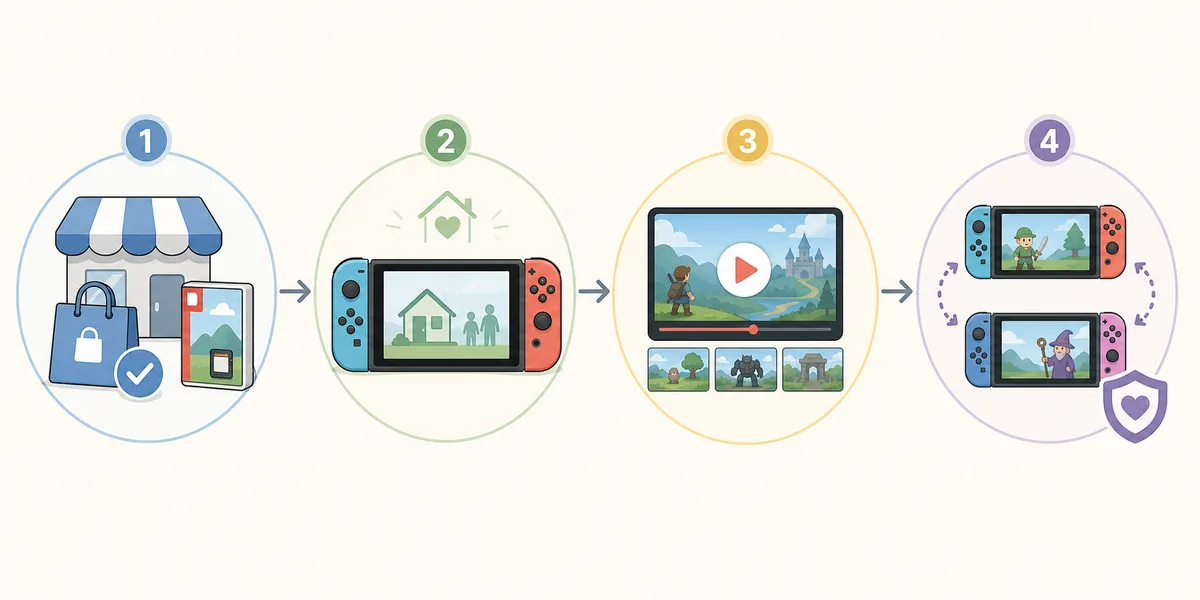
Use the official store path, keep the demo save available, then check the transferred island before starting over.
How Long Can You Use the Tomodachi Life Demo?
Searchers often ask for an exact number of hours, but the official product-page text that confirms the three-Mii cap and save carryover does not promise a universal play-time timer in the material we verified. That means a reliable guide should not invent a countdown. Demo access, regional store presentation, update state, and the actions available in a trial can change, while your own session length depends on how much of the opening routine you explore.
If the eShop shows a specific availability notice, read that notice as the current regional rule. Take a screenshot for your own reference if the text matters, but do not treat a community post, video title, or old 3DS demo rumor as a Nintendo policy. The important confirmed limit is the three-Mii cap; the exact duration should remain a live store question until Nintendo publishes a clear number.
What Do You Get for Completing the Demo?
Nintendo's official product page says that completing the demo gives you a Hamster Costume that you can give to your Mii characters. This is a useful, concrete reason to finish the trial, especially if you are already deciding whether the full game belongs on your Switch. The reward also gives the demo a clear endpoint: complete the available introduction, note the item, and then decide whether to continue with the same save.
The wording matters. It identifies one completion reward and says it can be given to your Miis; it does not promise every outfit, shop, resident, or island facility. Do not turn one official reward into an invented unlock list. If the reward does not appear, read the completion message carefully, confirm that the demo is updated, and consult Nintendo's current support or store information before trying unofficial fixes.
You can use the reward as part of a simple buying test. If you enjoy creating a small cast, want to keep the demo save, and like the idea of using the Hamster Costume on a Mii in the full game, the trial has answered the most important fit questions. If the three-Mii environment already feels too narrow or the daily loop is not enjoyable, the reward is a nice extra but not a reason to purchase a game you do not want.
From Demo to Full Game: A Safe Buying Path
When the demo answers your basic questions, move to the official Nintendo product page or eShop listing for the actual purchase. Verify the title, platform, region, edition, and current price before checkout. The demo is for Nintendo Switch, so a page advertising an unrelated PC installer, ROM, NSP, emulator bundle, or free APK is not a substitute for the official path. Our PC and download guide covers those safety boundaries in more detail.
Before you buy, write down the three Miis you want to preserve and check that the Nintendo account on the store page matches the account that ran the demo. After installation, launch the full game before changing profiles or deleting data. This sequence cannot guarantee every console-transfer outcome, but it keeps your actions aligned with the only public transfer fact we can verify: Nintendo says the demo save data carries over to the main game upon purchase.
Troubleshooting Demo Questions Without Guessing
If the demo does not match an article or video, first check the date and region. Nintendo store pages can change their visible notices, and older Tomodachi Life 3DS material is easy to mix with Living the Dream. Use the exact Switch product name, read the current product-page text, and separate confirmed facts from player observations. The three-Mii limit, save-data carryover, and Hamster Costume are the public facts this guide can state confidently.
If your issue involves a missing save, a changed console, a different user, or a purchase that is not appearing, stop experimenting. Do not download a replacement save, sign into a third-party site, or install an unofficial patch. Check the Nintendo account and console state, preserve the original data, and use Nintendo Support. A fan wiki can help interpret a store description, but it cannot safely repair account ownership or recover data.
Finally, remember why this page exists. The demo is a small, official introduction that helps you judge the game's tone and routine. It is not a promise of a fixed number of hours, a full island, or a universal backup tool. Keeping those boundaries clear makes the transfer step easier to understand and keeps the rest of the site's guides assigned to their own search tasks.
Tomodachi Life Demo FAQ
How many Miis can you make in the Tomodachi Life demo?
Nintendo's official product page says you can create up to three Mii characters in the demo. That is the confirmed demo cap and should not be confused with the full game's island limit.
Does Tomodachi Life demo save data transfer to the full game?
Yes. Nintendo says your save data from the demo will carry over to the main game upon purchase. Use the same planned Nintendo user and console path, and contact Nintendo Support if the expected data does not appear.
How long can you use the Tomodachi Life demo?
The official material we verified confirms the three-Mii limit but does not provide a universal number of hours. Check the current regional eShop notice and judge the trial from the sessions you can actually play.
What do you get for completing the demo?
Nintendo says completing the demo gives you a Hamster Costume that you can give to your Mii characters. It is a specific completion reward, not proof that every full-game outfit or shop is unlocked.
Can I create more than three Miis in the demo?
The official listing describes the demo as supporting up to three Mii characters. For a larger cast, you need the full game rather than an unofficial file or save editor.
Can I download a Tomodachi Life demo for PC?
The official product page describes the demo for Nintendo Switch. Avoid PC installers, ROMs, NSP files, emulator bundles, and pages that ask for Nintendo credentials; use official Nintendo purchase and support paths.
Should I delete the demo after buying the full game?
Keep the demo data available until you have launched the full game and confirmed that the expected save data carried over. If something is missing, stop and use Nintendo Support before deleting or replacing data.
Is the Hamster Costume available to every Mii?
Nintendo says the costume can be given to your Mii characters. The public wording does not promise an automatic copy for every resident, so use the in-game gifting flow and follow the current version's instructions.