2026 GUIDEStores, stock checks, restocks, and unlock planning
Tomodachi Life Shops Guide: Stores, Stock, Restocks & Unlocks
Use the shops as part of your island routine: learn what each category is for, follow current prompts to open more facilities, and track stock without inventing a universal reset timer.
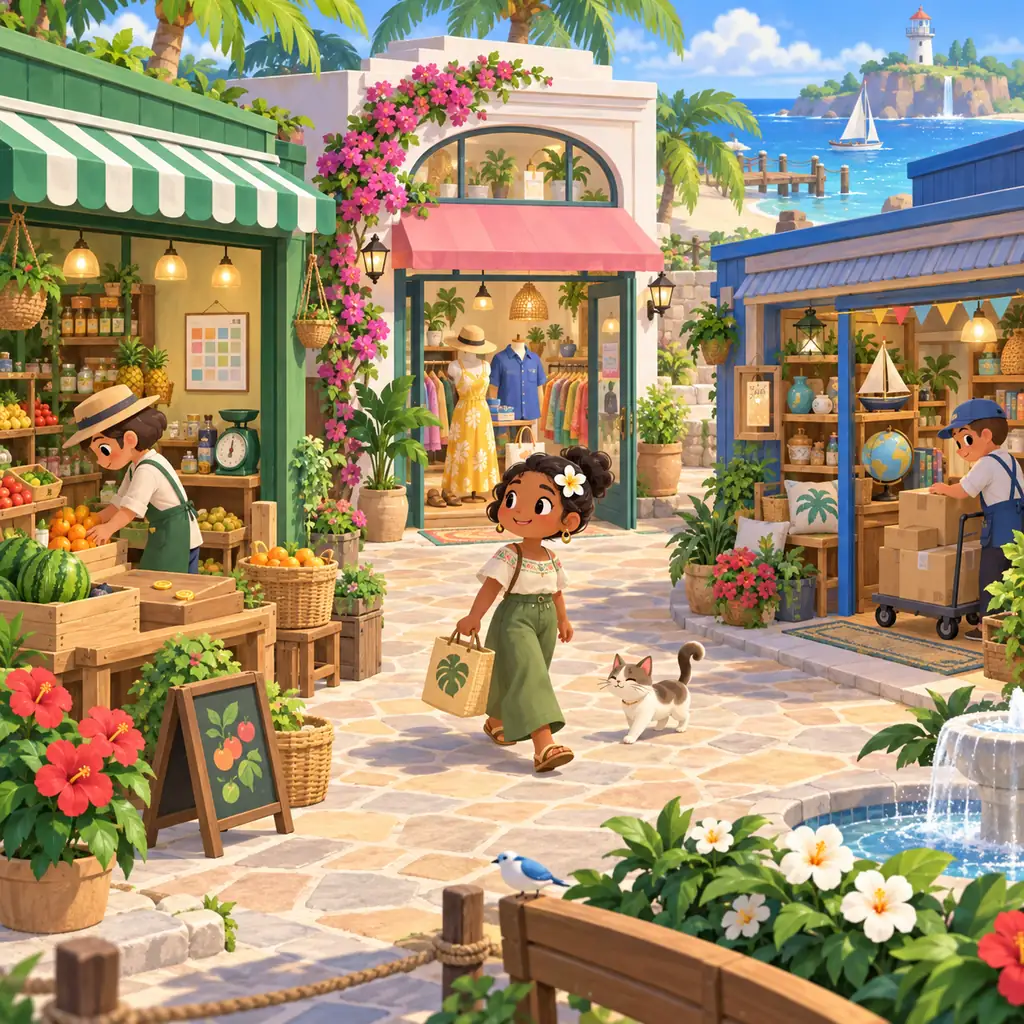
Editorial concept illustration for this fan guide; it is not an official game screenshot.
What are the shops for?
Shops turn island money and daily visits into practical choices: feed residents, change their look, find gifts, and support home or creative projects. The useful list is the one your current island actually shows.
When do shops restock?
Check during normal play and record what changes. Nintendo's public pages do not publish one universal restock clock, so treat community timing claims as observations rather than guarantees.
How do I unlock more shops?
Follow the progression, resident requests, and facility prompts shown in your own game. Avoid an exact day-by-day unlock chart unless it is confirmed for your version and save.
Quick answer: what shops do in Tomodachi Life
Tomodachi Life shops can mean a store list, a place to buy food or clothes, or a stock problem. These questions belong together because shops are part of the island's daily loop, but one undated list from an older release is not enough.
Treat each facility as a job on your island route: food supports residents, clothing changes a Mii's appearance, gifts support happiness, and other locations may serve homes, custom projects, or rewards. The exact names, availability, and stock shown on your island are the evidence for your save. Nintendo's public pages do not publish one universal table of every store, price, rotation, and unlock day, so this guide focuses on a verifiable routine.
Tomodachi Life shops list: group stores by player job
Instead of memorizing a supposedly complete stores list, group facilities by the job you are trying to do. Use the shop screen, plaza map, and resident prompts together, and record the current name and version when an older guide differs.
Shop job
What to look for
Best record to keep
Food and resident care
Food stock, resident requests, and preference tests
Item name, Mii tested, visible reaction, date, and version
Clothes and appearance
Outfits, categories, outfit changes, and design ideas
Category, appearance, source, ownership, and confidence
Gifts and progression
Resident gifts, level-up choices, birthdays, or special rewards
Recipient, item, event context, and whether the result was observed
Home and creative projects
House themes, custom items, renovation, or decoration-related options
Facility prompt, design goal, save state, and any limits shown
Reward facilities
A feature tied to dreams, events, visits, or a prompt
How it appeared and whether it repeats
Official Nintendo island-plaza media used as location context. It does not claim that every visible building is a confirmed shop in every version.
How to unlock more shops and facilities
Searches for how to get all shops often assume a universal unlock calendar. Follow the progression signals in your own game: complete a facility prompt, respond to resident requests, revisit the island, and note new locations. Keep notes tied to your release and region.
An empty map marker may mean a story step, resident state, or ordinary progress is still pending. Treat an exact day from a community guide as a version-matched lead only; old 3DS schedules can mislead Living the Dream players. Capture the prompt and use Nintendo's normal update path instead of an unlocker.
1
Finish the prompt in front of you
Complete the action the game actually asks for.
2
Revisit the island normally
Check homes, the plaza, and problem bubbles during ordinary play.
3
Record the unlock evidence
Note the date, region, version, previous step, and message.
4
Separate rules from guesses
Keep community timing as an observation until your save reproduces it.
When do shops restock? Use a version-safe checking routine
When do shops restock? Revisit the facility during normal sessions and note when visible stock changes. Nintendo's public pages checked for this guide do not publish one universal reset hour or guaranteed rotation for every store and region.
A stock log is more useful than a confident timer: record the facility, categories, date, region, and version, including unchanged stock. Avoid changing the system clock. If a shop stays unchanged, confirm the console update and compare the screen with your notes.
1
Check after ordinary progress
Visit after resident requests, homes, or other island activities.
2
Write down unchanged stock
No change is useful evidence against a short guaranteed timer.
3
Compare like with like
Use the same region, release, and facility name.
4
Update your catalog carefully
Mark new items observed before calling them confirmed.
How to shop efficiently for food, clothes, gifts, and custom ideas
Efficient shopping means reducing waste and keeping records readable. Before opening a store, decide whether you are solving a request, testing a preference, building an outfit, preparing a gift, or planning a house.
For food, test one item with one Mii. For clothes, keep custom designs separate from ordinary stock. For gifts, record the recipient and event. For a home project, sketch the theme before spending. Use the focused guide when the question becomes specific.
1
Set one shopping goal
Choose care, appearance, gifting, rewards, or creative planning before you spend.
2
Use a short priority list
Solve a visible need first, then reserve coins for testing or saving.
3
Keep categories separate
Do not mix food, clothes, gifts, and custom-item notes.
4
Link the next question
Use the focused guide for the detailed workflow.
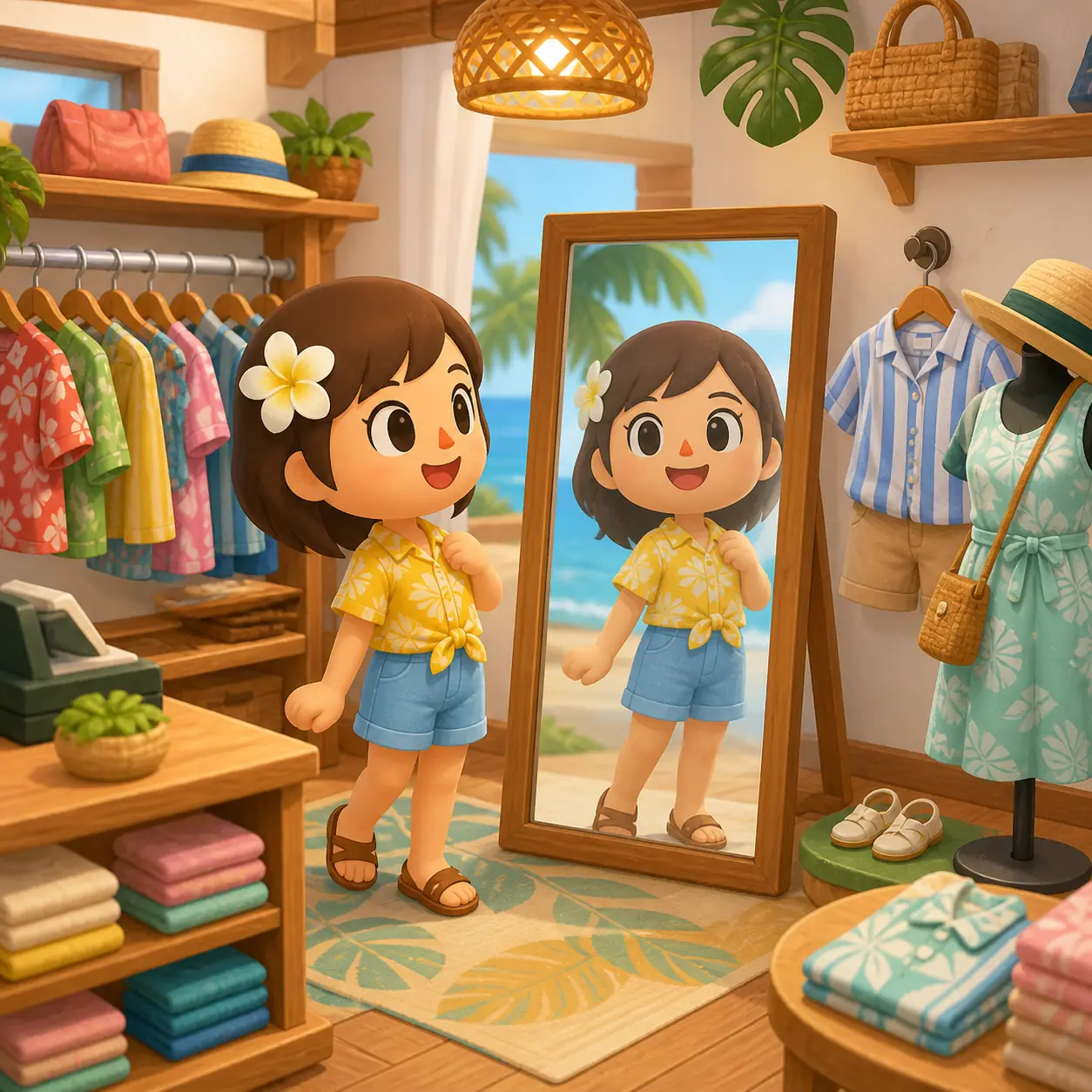
Editorial clothing-shop illustration from the site media set. Use the current in-game shop screen as the source of truth for actual stock.
Why a shop may look empty or fail to update
An empty-looking shop does not automatically mean that your save is broken. Check the correct facility, active prompt, progression step, release, and whether the screen shows a small rotation rather than a complete catalog.
Write down the facility, visible message, last successful visit, version, region, and expected result. Follow Nintendo's normal support and update instructions; do not use an unlocker or downloaded save. If the behavior remains, mark it unresolved.
Symptom
First check
Safe conclusion
A shop is not visible
Review current progression and resident prompts
Do not assume a fixed unlock day
The same stock is still shown
Record the session and compare the same facility
No public universal timer is confirmed
An old list does not match
Check release, region, and exact facility name
Use the old list as a lead only
An update changed expectations
Use the console's official update flow
Do not use an unknown unlocker or save
A purchase feels unclear
Write the item, recipient, and visible result
Keep the result specific to your save
A daily island route: check residents before spending coins
Start away from the shop: visit residents, resolve urgent bubbles, check homes, and notice whether someone needs food, clothes, a gift, or another activity. Then visit the facility that answers today's need.
Do one stock check and log any change. Test one new food or outfit at a time, stop at a project budget, and note the next question. A short loop leaves room for relationships, dreams, homes, island layout, and resident stories.
1
Check residents
Handle urgent needs, arguments, and visible requests before spending money.
2
Choose the matching shop
Use the facility that answers the task in front of you.
3
Log one useful observation
Record a new item, unchanged stock, prompt, or unresolved message.
4
Leave room for the island
Return to relationships, dreams, homes, and creative projects.
Tomodachi Life shops FAQ
How many shops are in Tomodachi Life: Living the Dream?
The safest answer is to count the facilities shown by your current island, release, and region. Public Nintendo pages checked for this guide do not publish one universal web list with every shop name and unlock condition.
When do shops restock in Tomodachi Life?
Check shops during normal play and keep a stock log. Nintendo's public support material does not document one universal restock hour or guaranteed rotation for every store, so community timers should be treated as observations.
How do I get all shops in Tomodachi Life?
Follow current progression prompts, resident requests, facility explanations, and ordinary island visits. Record the step that unlocked a facility in your version rather than relying on an exact day chart from another release.
Why is my Tomodachi Life shop not changing?
Check the facility name, progression state, region, release, and last visit. Record unchanged stock, use the official console update path, and avoid system-clock tricks or unofficial unlockers.
Is there a complete Tomodachi Life shops list online?
Community lists can help you recognize categories, but verify names, stock, prices, and availability on your own island.
Where should I look for food, clothes, and gifts?
Start with the current shop or facility screen, then use the site's focused Food, Clothes, and Gifts Guides for testing, catalog, and resident-specific questions. Keep each result tied to the current game version.
Can I use a save or unlocker to open every shop?
Do not use unknown save files, unlockers, ROM patches, or executable bundles. Follow the official game progression and Nintendo's support or update instructions.